Mani$Bot Help Manual
Getting Started — Landing Page
The landing page is your first introduction to the Mani$Bot platform. It showcases all major capabilities and provides quick access to sign up, explore markets, and learn about the platform's AI-powered features.
3.1 Hero Section
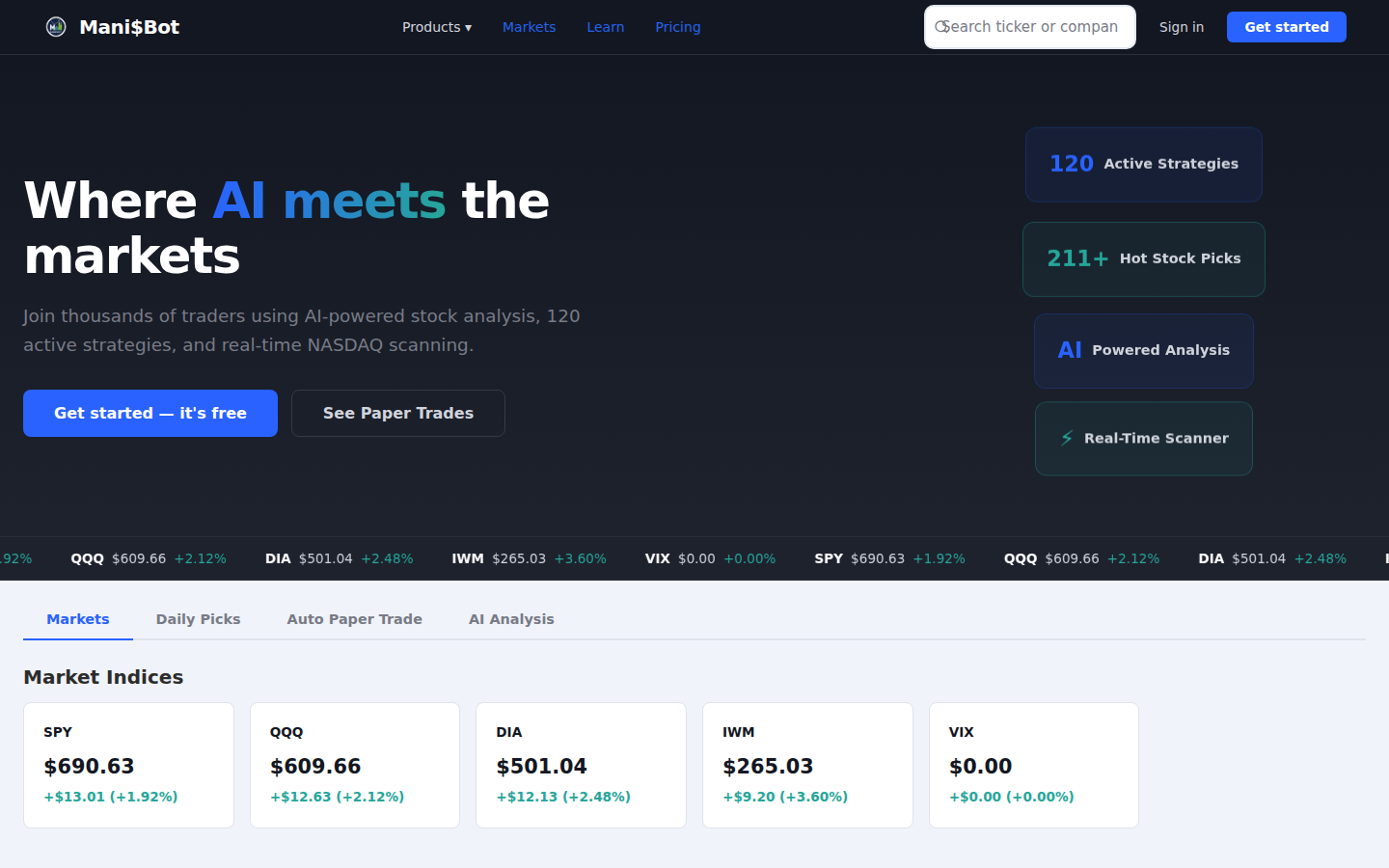
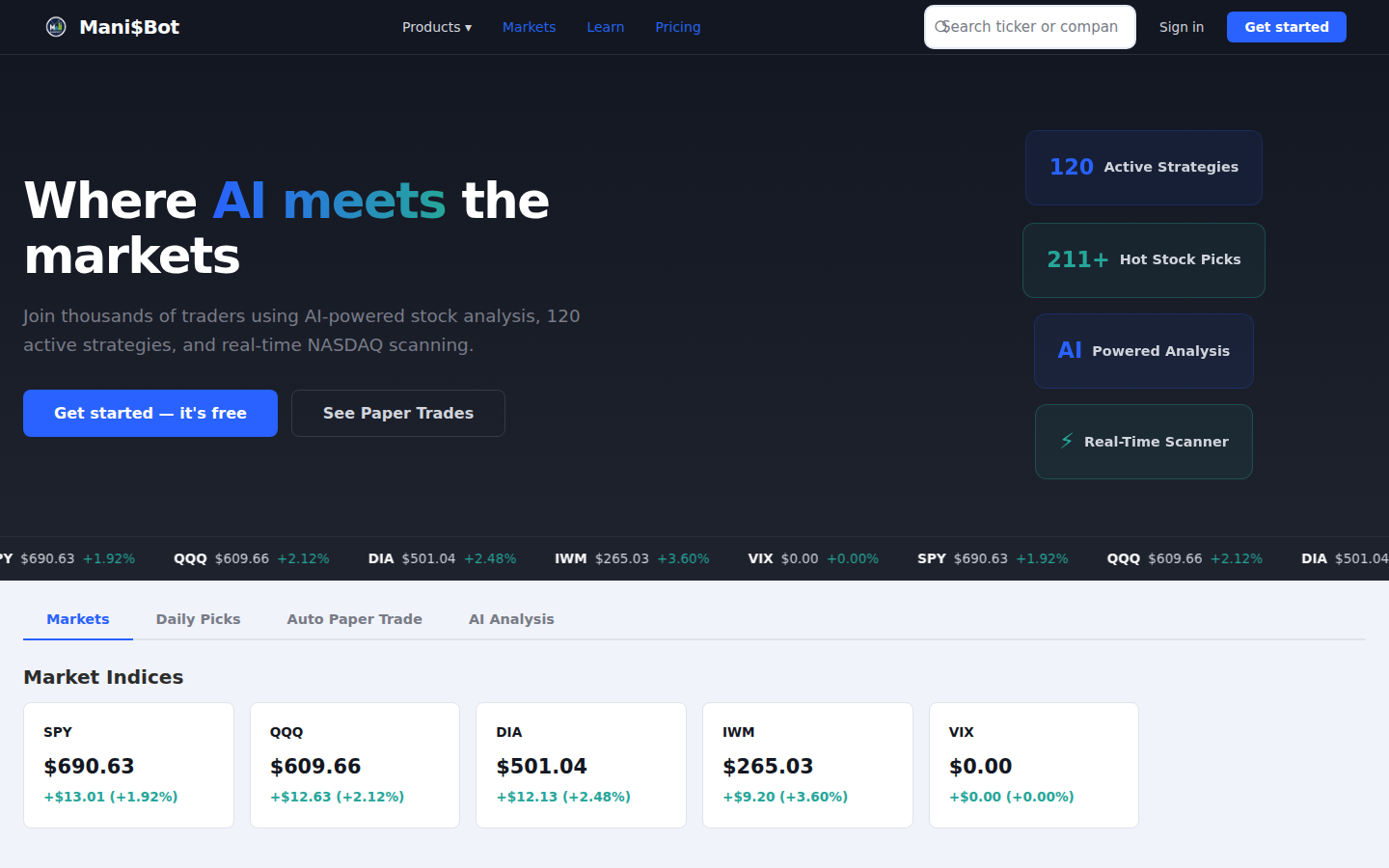
The hero section welcomes visitors with the tagline "Where AI meets the markets" and highlights key platform statistics.
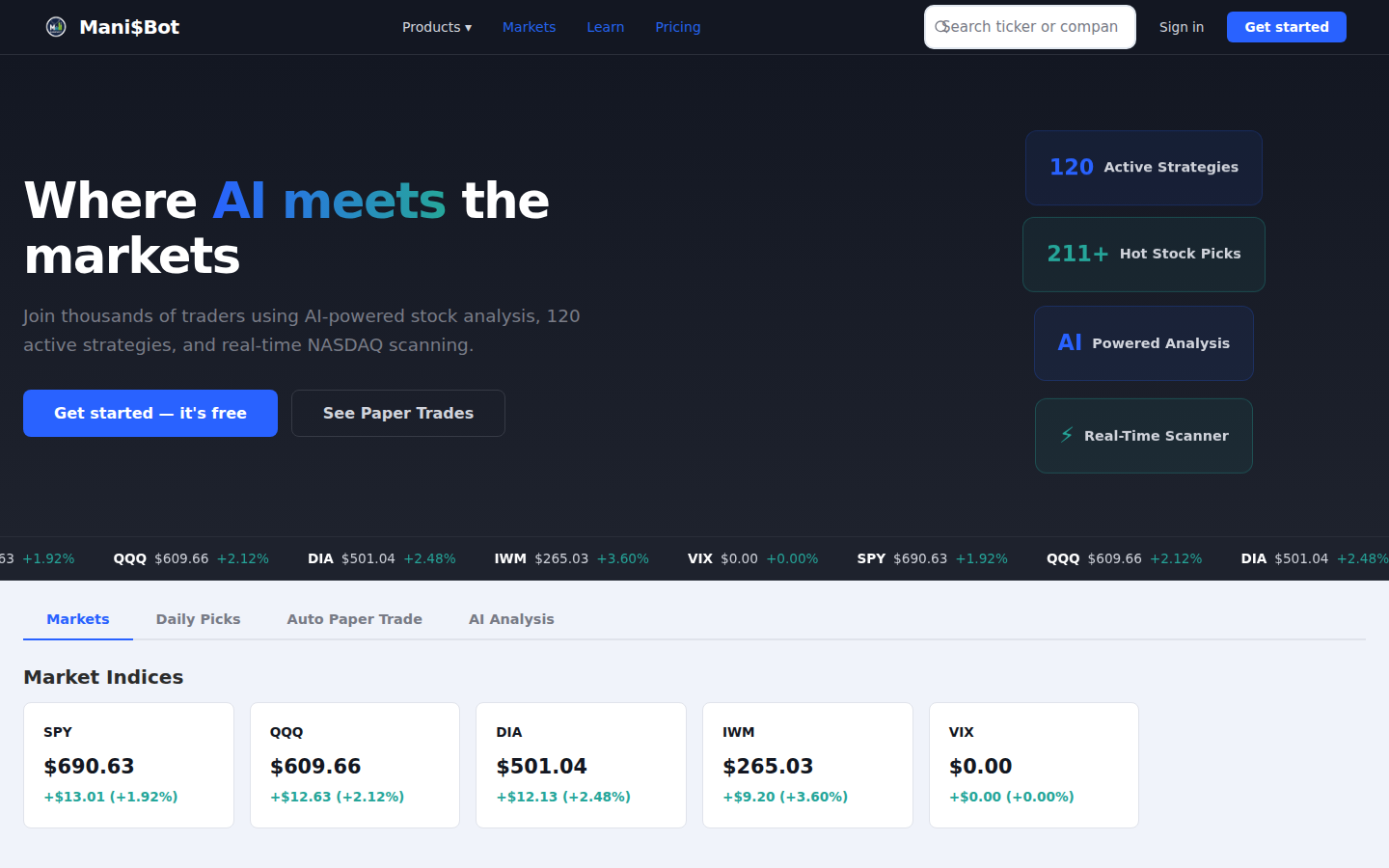
Callout Legend
- Mani$Bot Logo — Clicking the logo always returns you to the landing page.
- Navigation Menu — Products dropdown, Markets, Learn, and Pricing links for quick access.
- Sign In / Get Started — "Sign in" for existing users; green "Get started" button for new sign-ups.
- "Get started — it's free" Button — Primary call-to-action to create a free account.
- "See Paper Trades" Button — View the AI-managed paper trading portfolio performance.
- Stats Cards — 120 Active Strategies, 211+ Hot Stock Picks, AI Powered Analysis, Real-Time Scanner.
3.2 Navigation Bar
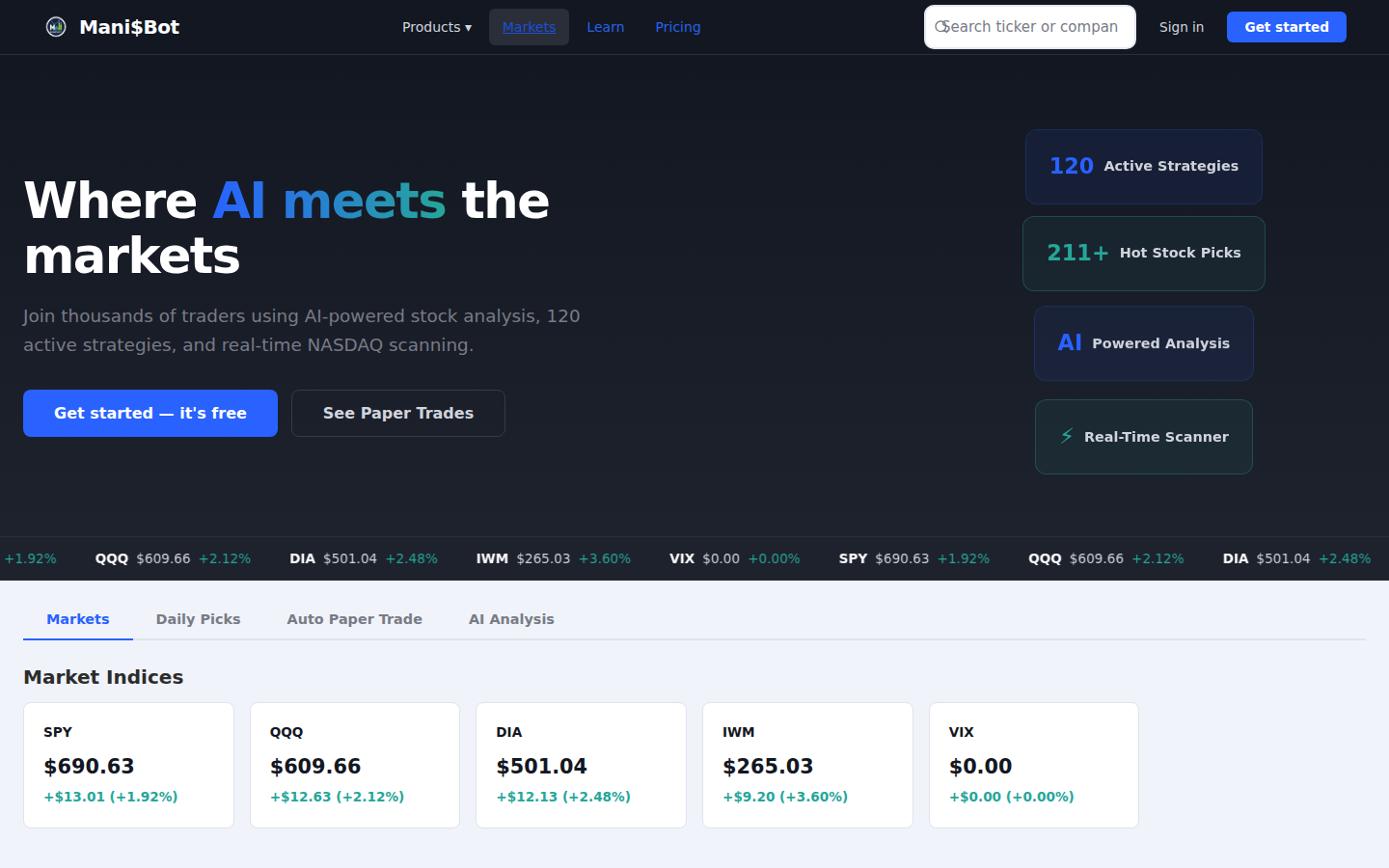
The top navigation bar provides access to all major sections of the platform.

Callout Legend
- Logo — Navigate to home / landing page.
- Products Dropdown — Expand to see Scanner, AI Analysis, Paper Trading, and more.
- Markets Link — View real-time market indices and trending stocks.
- Learn Link — Access the Learning Center with 40+ educational lessons.
- Search Bar — Type any ticker or company name for instant lookup.
- Sign In Button — Log in with your existing account.
- Get Started Button — Create a new account (green call-to-action).
3.3 Scrolling Market Ticker
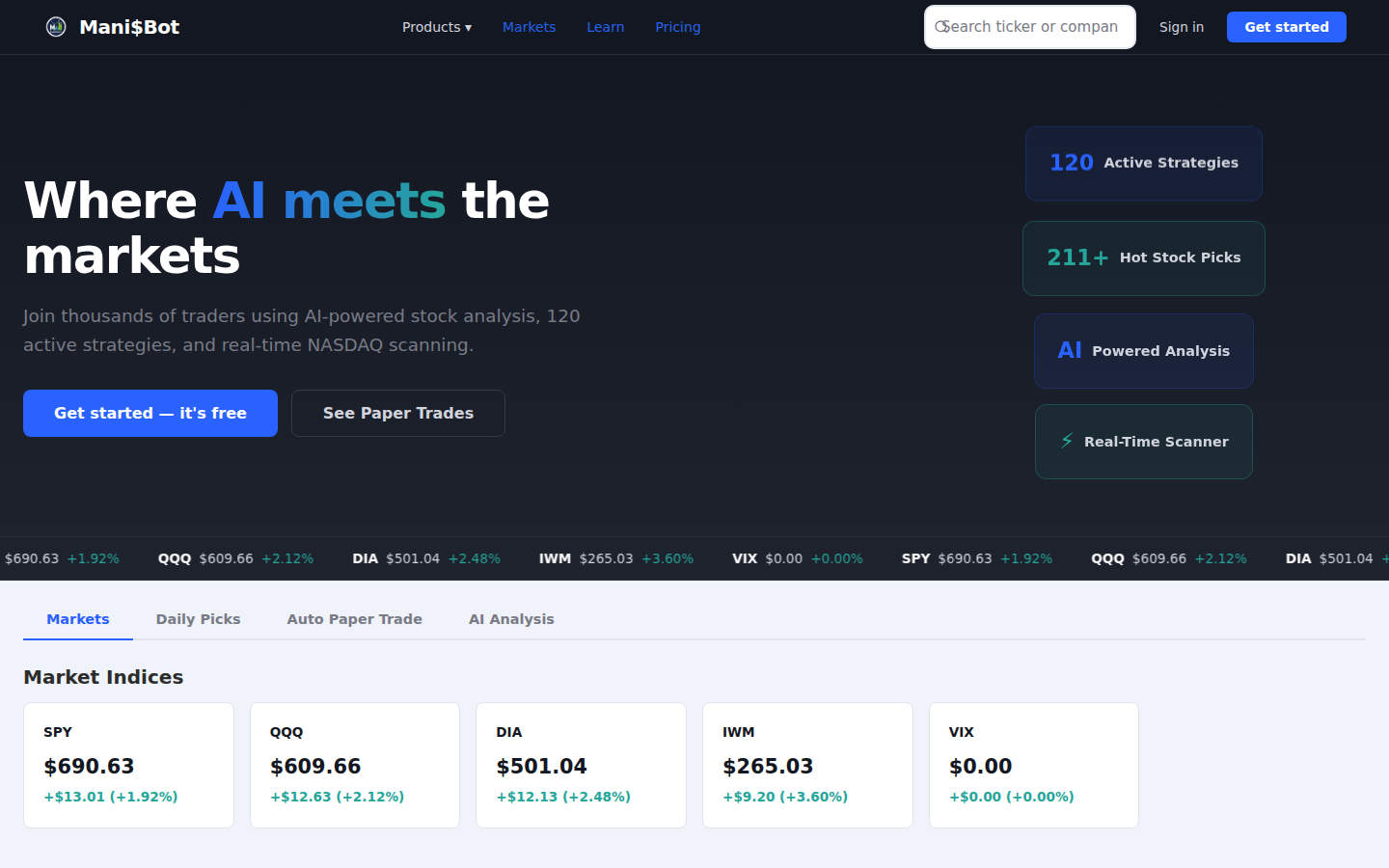
A real-time scrolling ticker displays live prices for major indices: SPY, QQQ, DIA, IWM, and VIX.
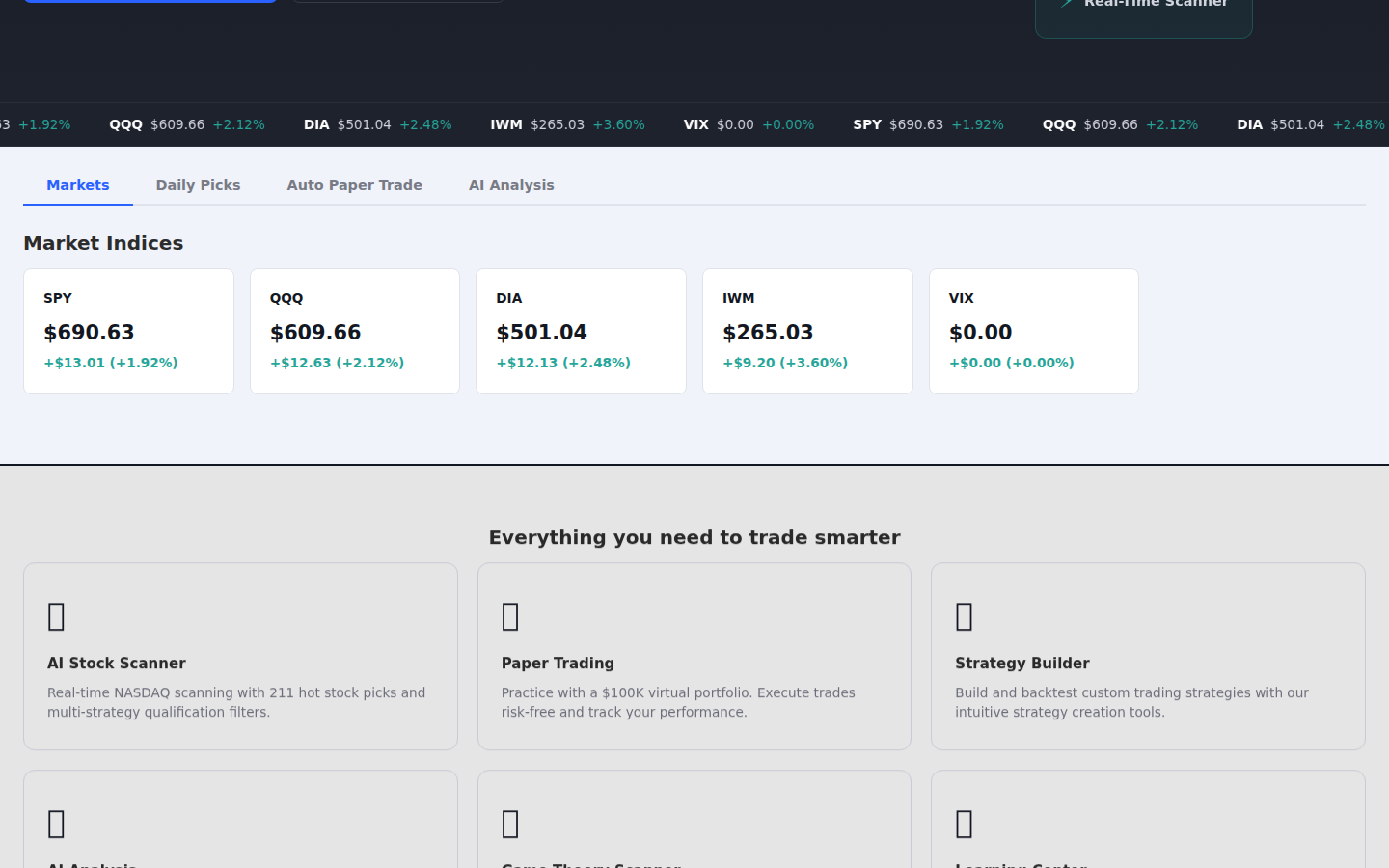
Callout Legend
- SPY — S&P 500 ETF price and daily change.
- QQQ — NASDAQ-100 ETF price and daily change.
- DIA — Dow Jones Industrial Average ETF.
- IWM — Russell 2000 small-cap ETF.
- VIX — Volatility index (market fear gauge).
3.4 Markets Tab Area
The tabbed content section lets you explore four key platform capabilities without logging in.
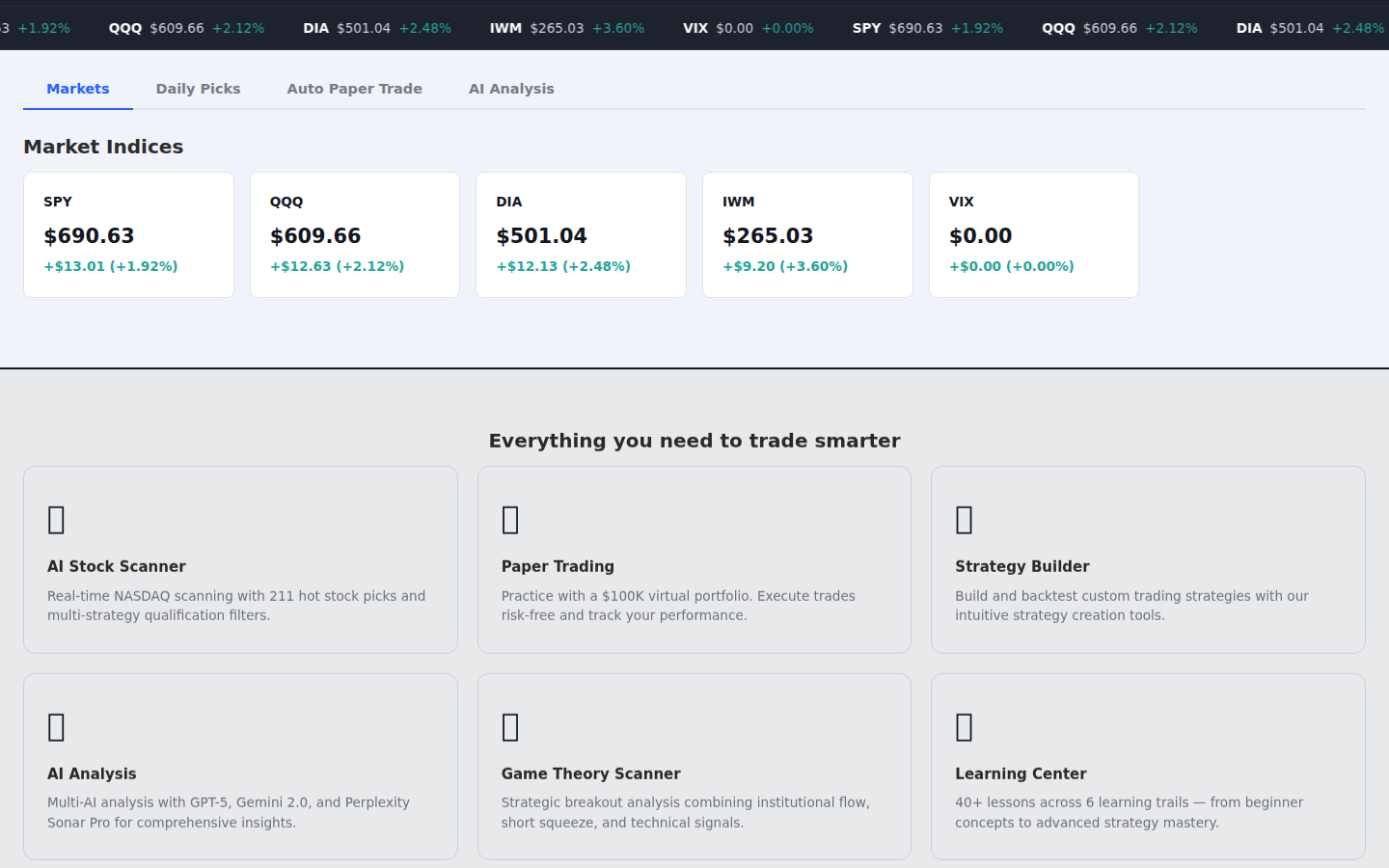
Callout Legend
- Markets Tab — Live market indices and sector performance.
- Daily Picks Tab — AI-curated stock recommendations updated daily.
- Auto Paper Trade Tab — View automated paper trading results.
- AI Analysis Tab — Preview the multi-AI analysis engine.
3.5 Markets Tab — Selected
Callout Legend
- Active Tab Indicator — Blue underline shows the currently selected tab.
- Market Data Area — Displays real-time market information for the selected tab.
3.6 Markets Tab — Content
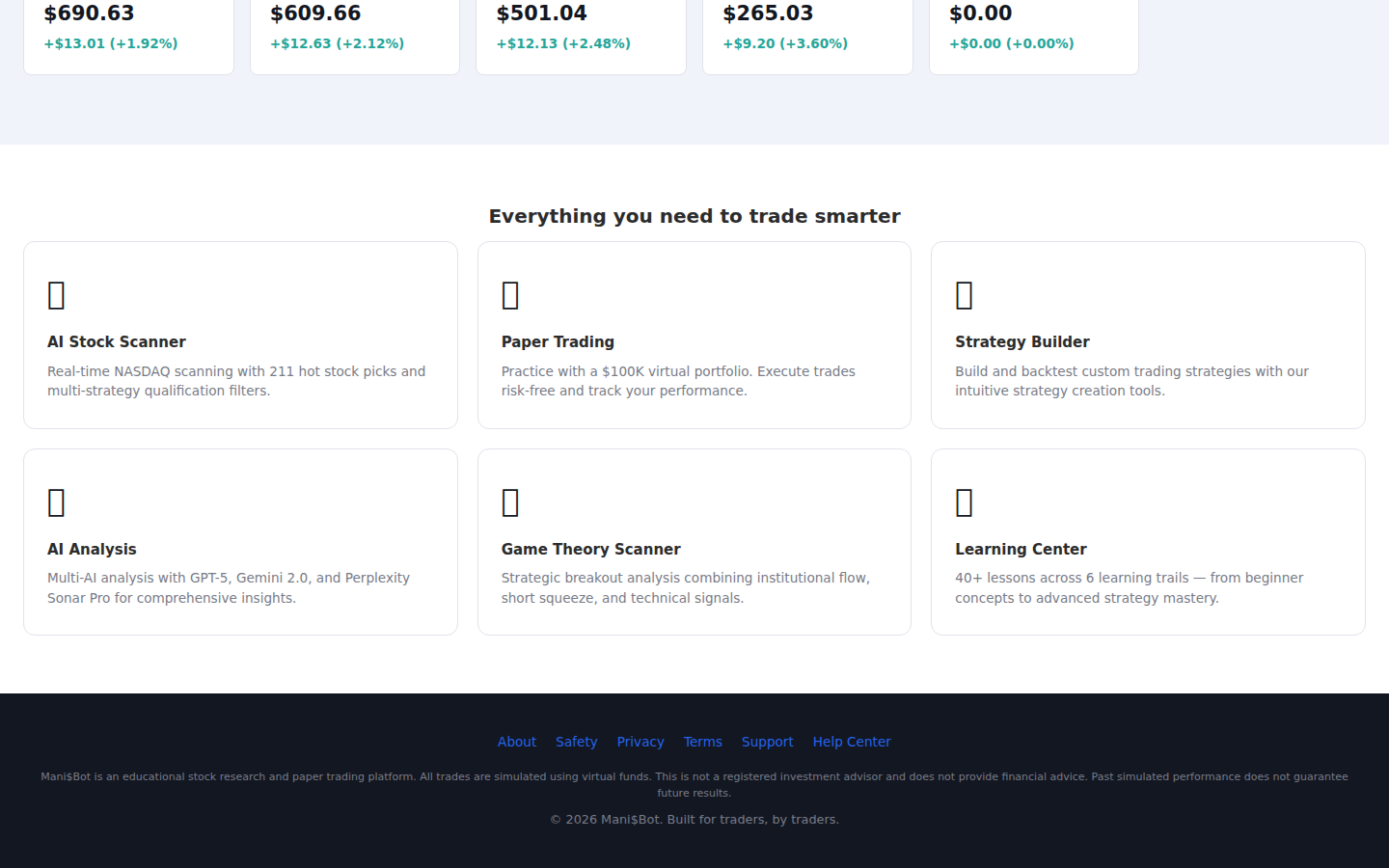
Callout Legend
- Index Cards — Major market indices with current prices and daily changes.
- Market Movers — Top gaining and declining stocks for the day.
- Sector Performance — Sector-by-sector breakdown of market performance.
3.7 Daily Picks Tab
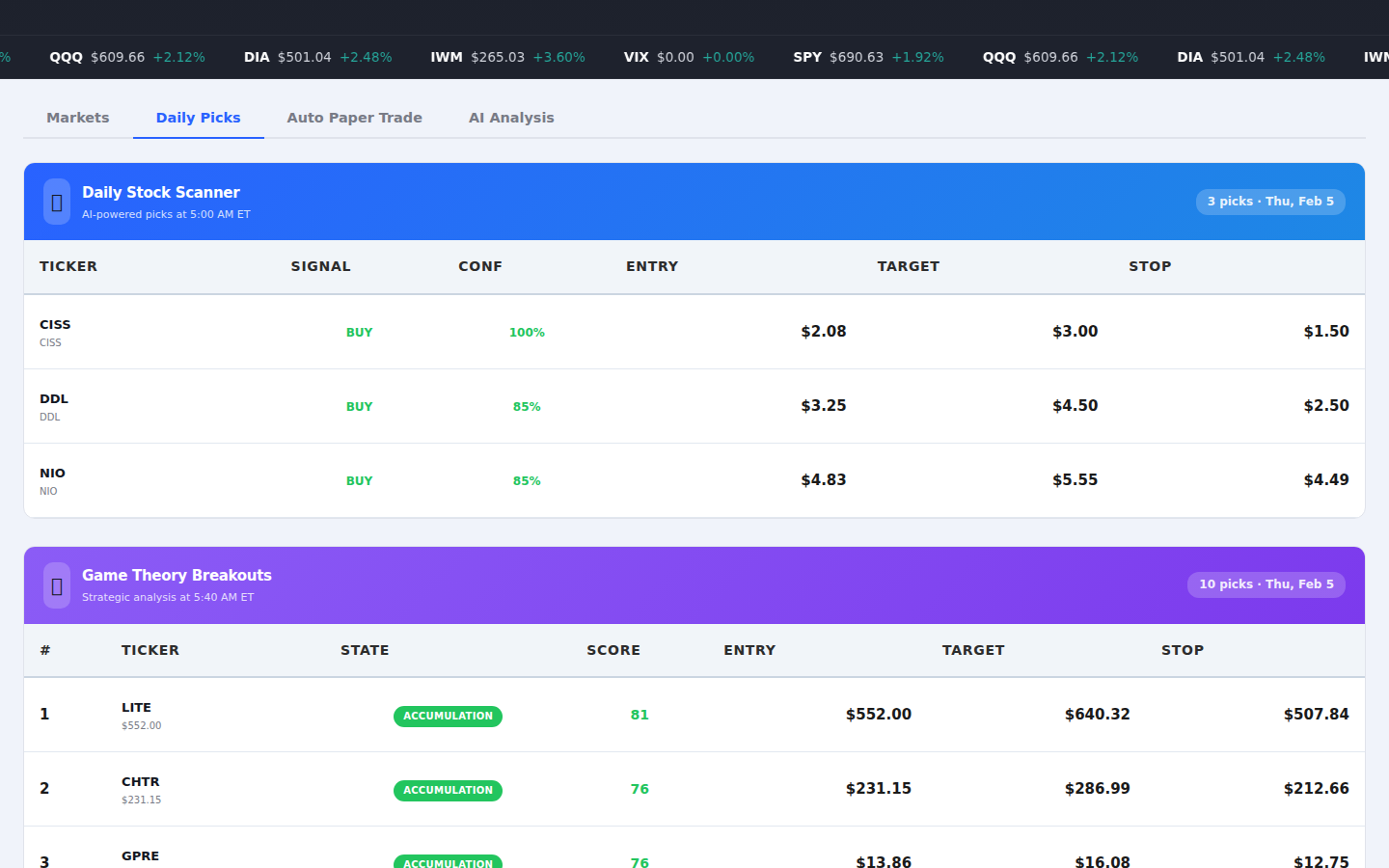
Callout Legend
- Daily Picks Tab — Selected tab showing AI-curated daily stock picks.
- Picks Preview — Today's top stock recommendations with AI confidence scores.
3.8 Daily Picks — Content
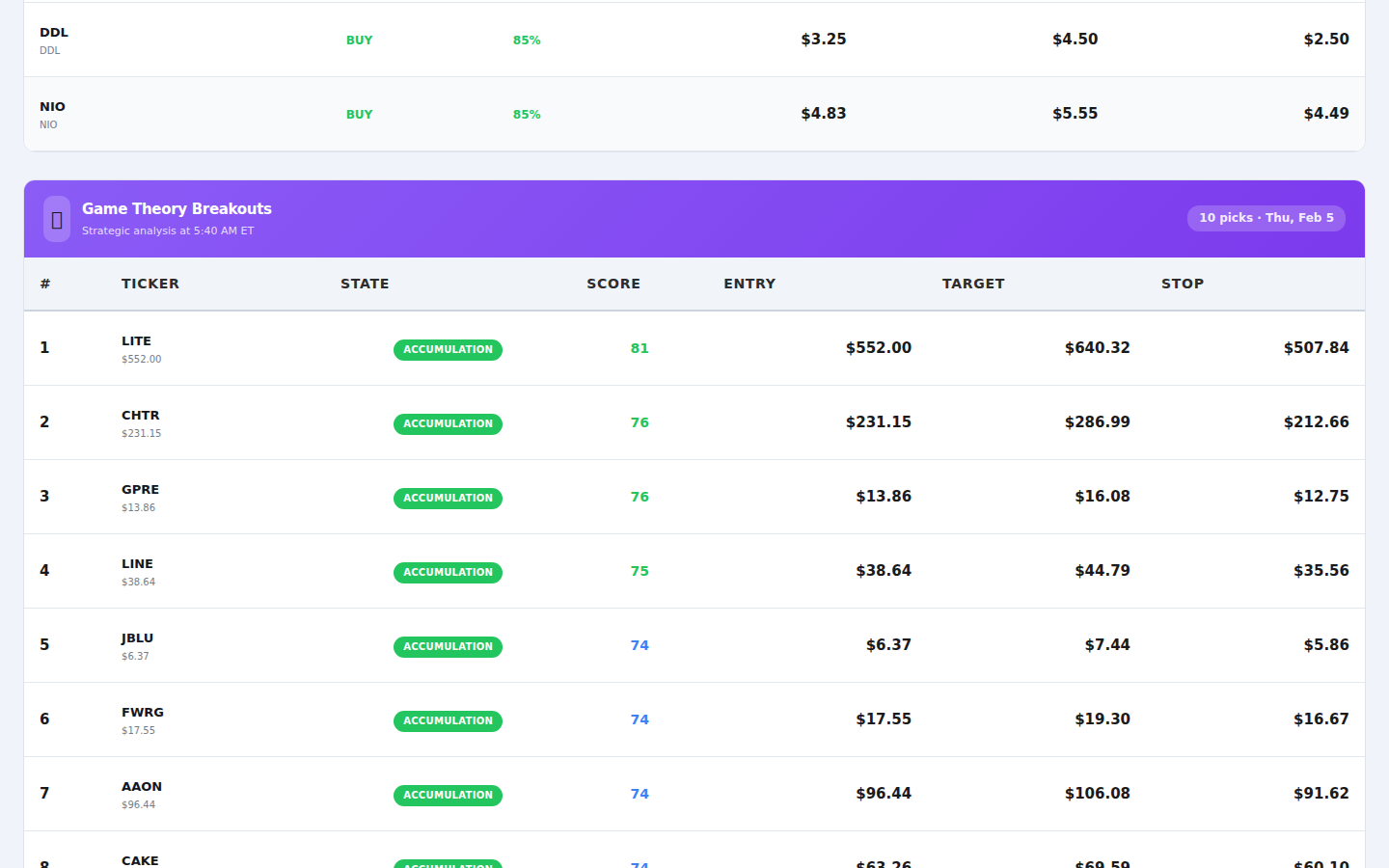
Callout Legend
- Pick Cards — Individual stock pick cards with ticker, price, and analysis summary.
- AI Score Badge — AI confidence rating for each stock recommendation.
- Trade Signal — Buy/sell signal with entry point recommendations.
3.9 Auto Paper Trade Tab
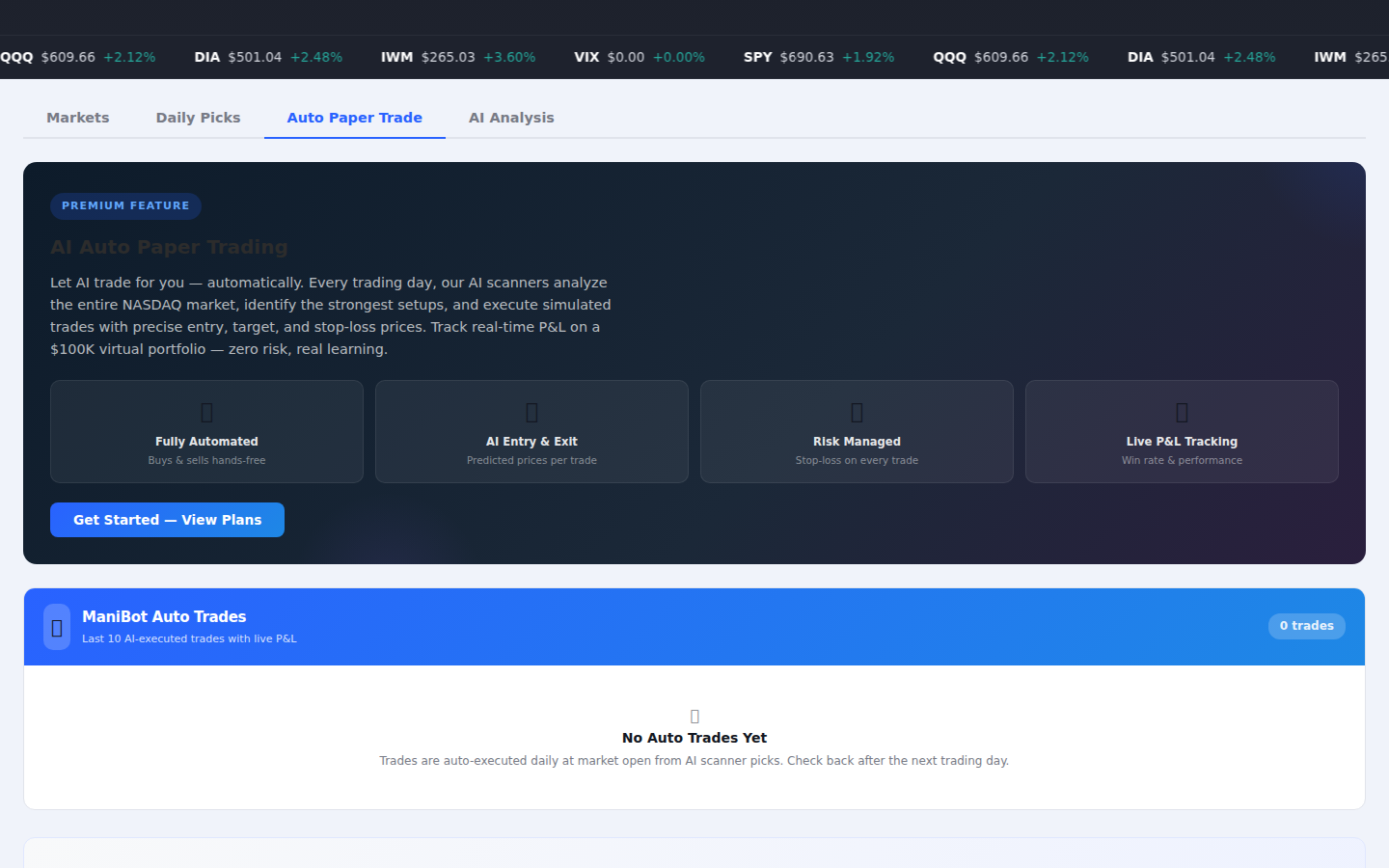
Callout Legend
- Auto Paper Trade Tab — Selected tab showing automated trading results.
- Performance Preview — Overview of automated paper trading system metrics.
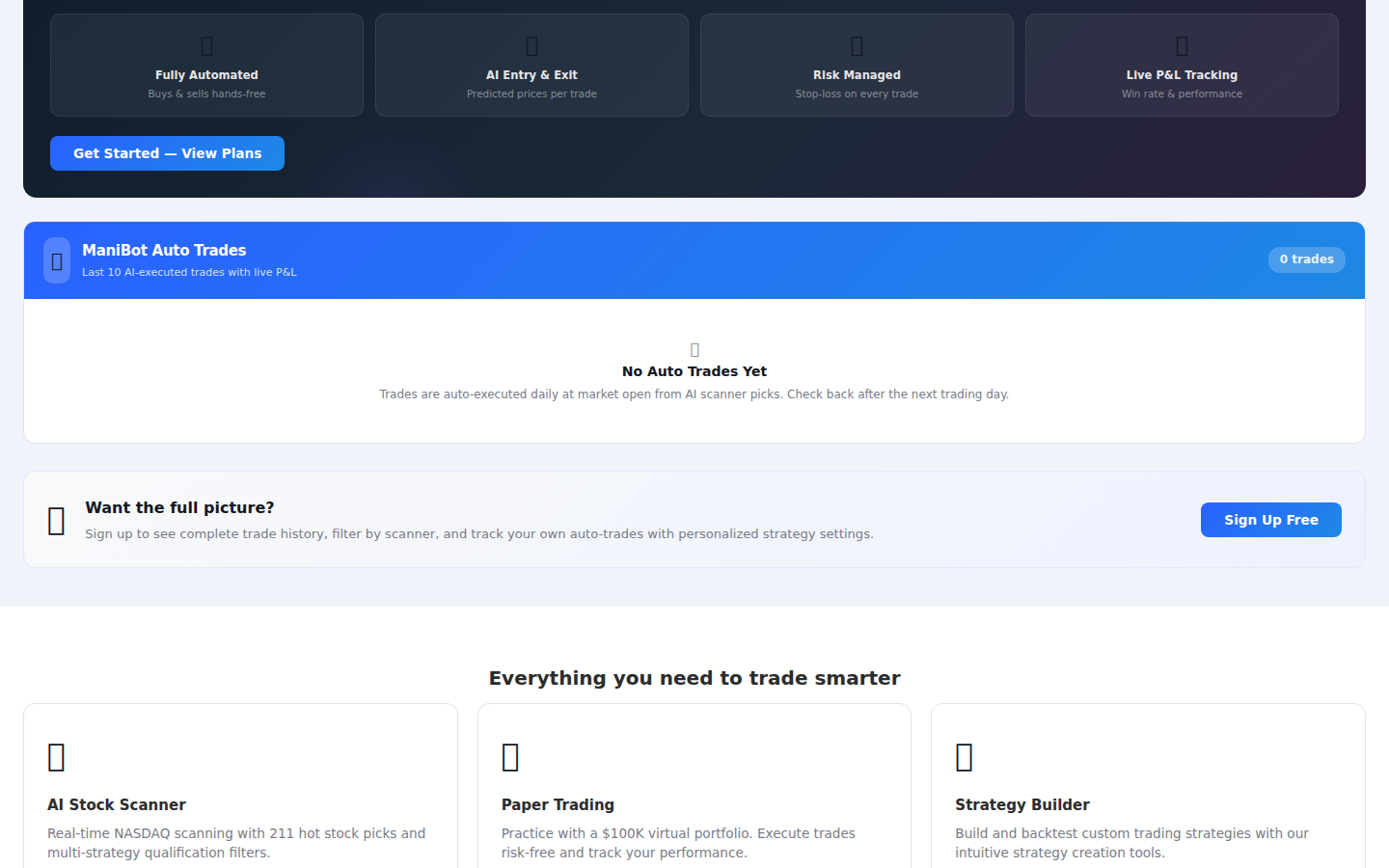
3.10 Auto Paper Trade — Content
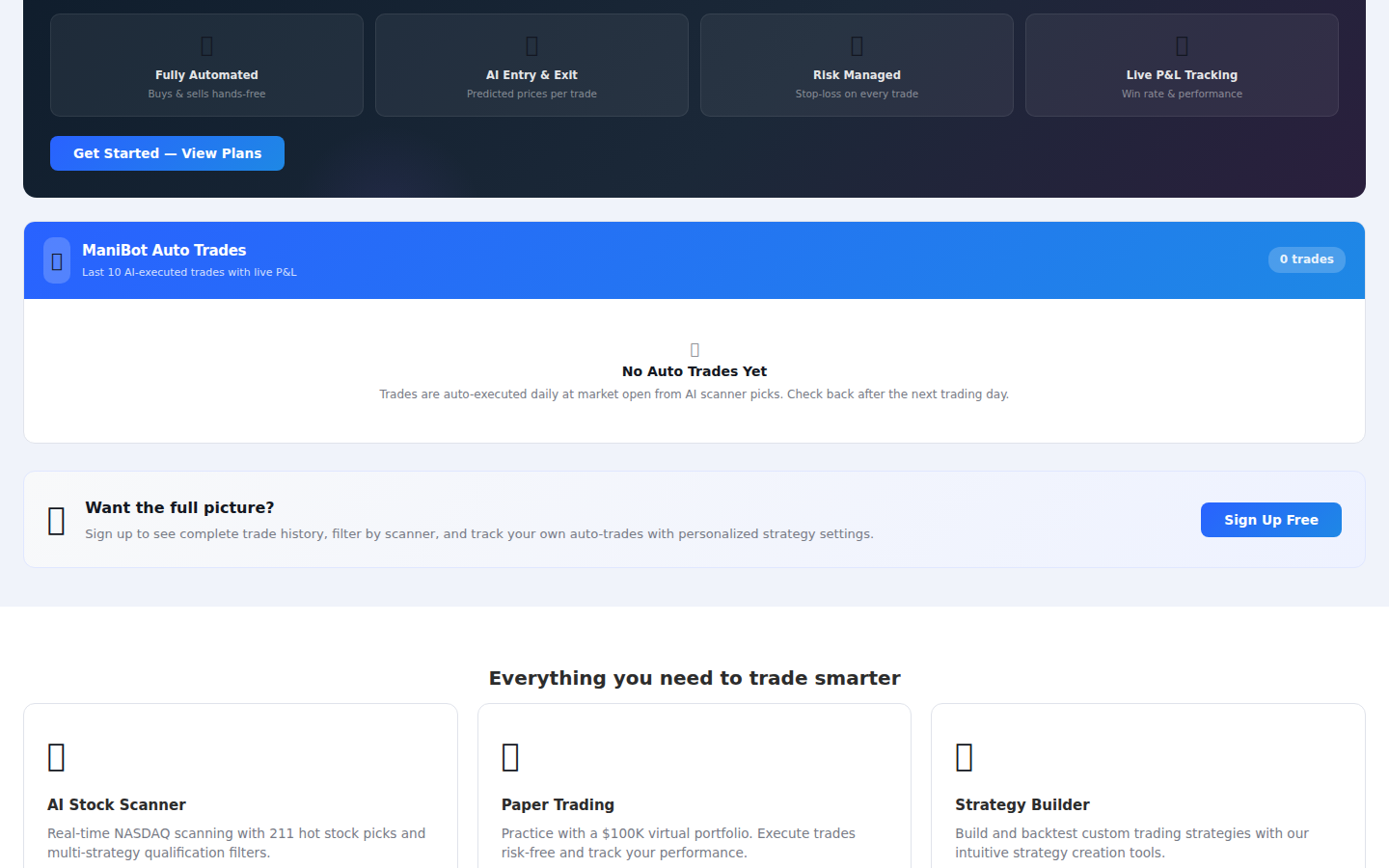
Callout Legend
- Trade Summary — Total trades executed, win rate, and overall P&L.
- Open Positions — Current open paper trade positions with real-time P&L.
- Performance Chart — Visual representation of trading performance over time.
3.11 AI Analysis Tab
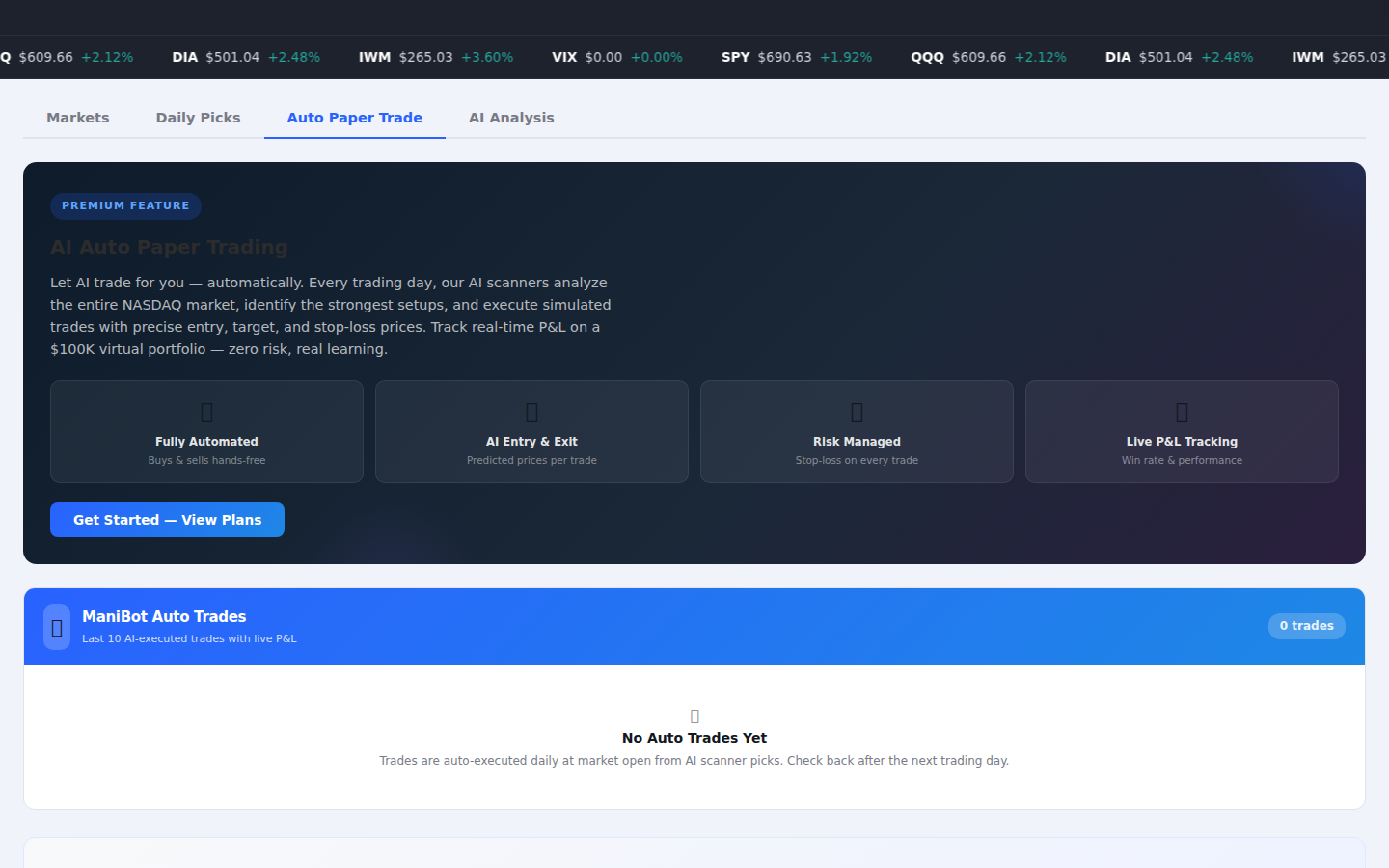
Callout Legend
- AI Analysis Tab — Selected tab previewing multi-AI analysis capabilities.
- Analysis Preview — Sample AI-generated stock analysis with multiple models.
3.12 AI Analysis — Content
Callout Legend
- AI Models Available — GPT-5, Gemini 2.0, Perplexity, and DeepSeek for comprehensive analysis.
- Analysis Output — Detailed fundamental and technical analysis with actionable insights.
- Sentiment Score — AI-generated sentiment and recommendation summary.
3.13 Market Indices Cards
Individual cards display real-time data for each major market index with price, change amount, and percentage change.
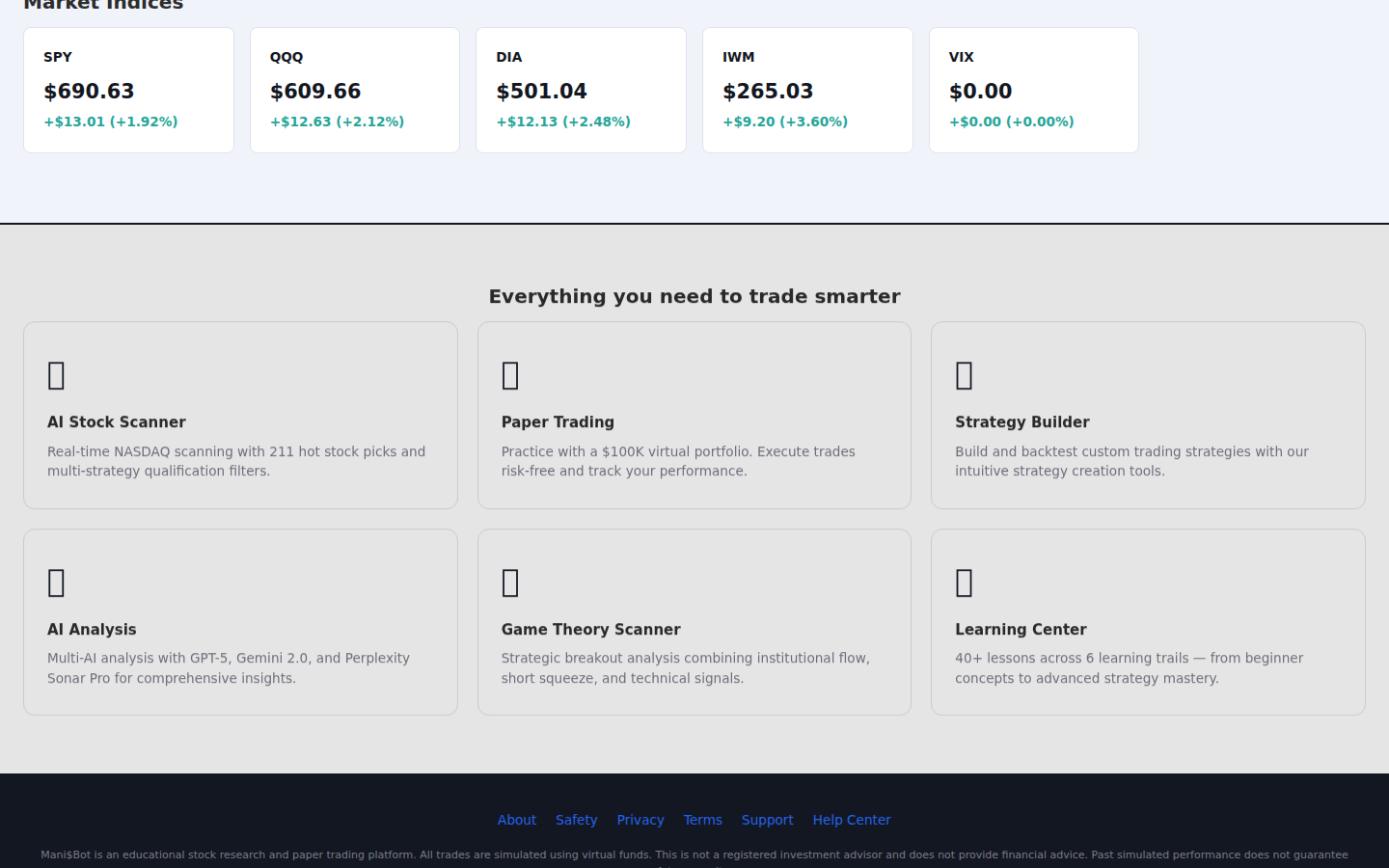
Callout Legend
- SPY Card — S&P 500 ETF — current price, dollar change, and percentage.
- QQQ Card — NASDAQ-100 ETF tracking tech-heavy index.
- DIA Card — Dow Jones Industrial Average ETF.
- IWM Card — Russell 2000 small-cap index ETF.
- VIX Card — CBOE Volatility Index (fear gauge). Green = low volatility, Red = high volatility.
3.14 Pricing Section
The pricing section displays available subscription tiers and features included in each plan.
Callout Legend
- Free Tier — Basic access with limited scans and AI analysis.
- Pro Tier — Full scanner access, unlimited AI analysis, and paper trading.
- Premium Tier — Everything in Pro plus auto-trade and priority support.
- Feature Comparison — Detailed comparison of features across all tiers.
3.15 Footer
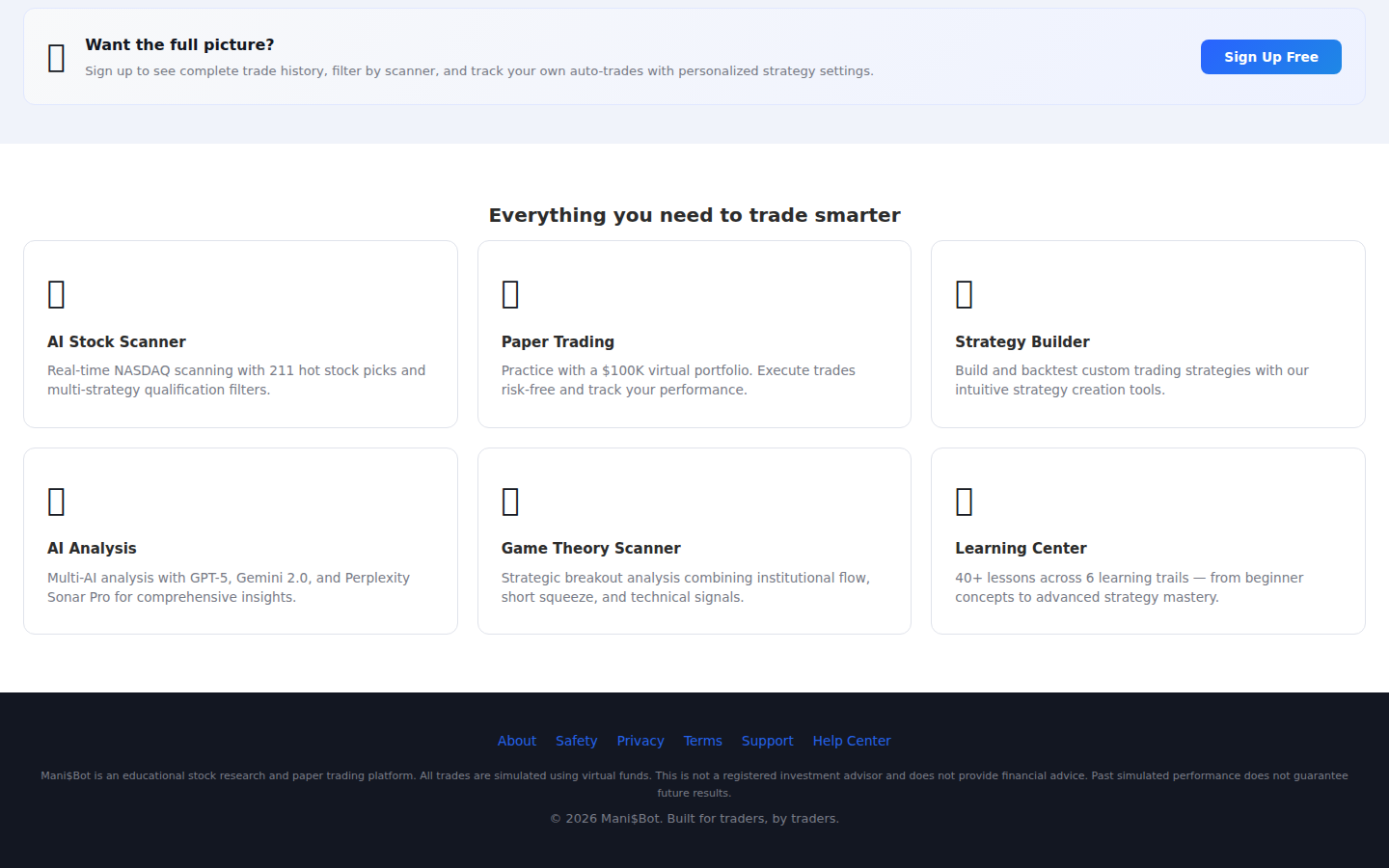
Callout Legend
- Product Links — Quick links to Scanner, AI Analysis, Paper Trading, and more.
- Company Links — About, Support, and Contact information.
- Legal Links — Terms of Service, Privacy Policy, EULA, and Safety.
- Social Links — Connect with Mani$Bot on social media platforms.
3.16 Full Page Overview
A complete overview of the entire landing page from top to bottom.
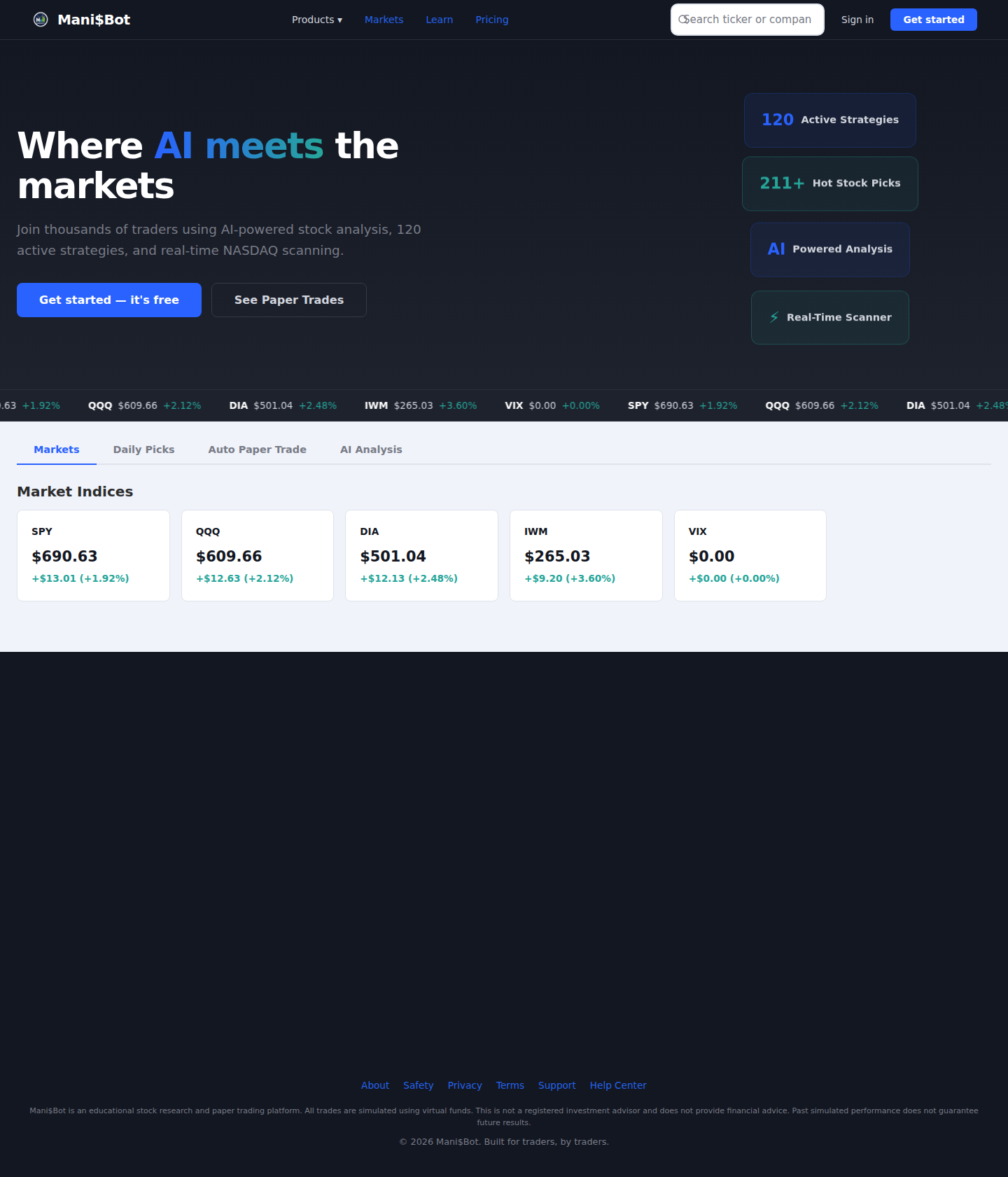
Callout Legend
- Navigation Bar — Always visible at top with logo, links, search, and account buttons.
- Hero Section — Main tagline, CTA buttons, and feature stat cards.
- Market Ticker & Tabs — Live ticker and four-tab content explorer.
- Market Indices — Individual index cards with real-time pricing.
- Pricing Section — Subscription tiers and feature comparison.
- Footer — Links, legal info, and social connections.
Dashboard Home
After logging in, the Dashboard Home is your central command center. It provides a quick overview of your portfolio, AI-curated picks, market conditions, and active strategies.
Callout Legend
- Sidebar Navigation — Collapsible left sidebar with links to Scanner, AI Analysis, Paper Trading, Backtesting, and more.
- Navigation Items — Icons and labels for each platform feature. Click to navigate.
- AI Picks Section — Today's AI-curated stock recommendations with confidence scores.
- Portfolio Summary — Quick view of paper trading account balance, positions, and P&L.
- Market Overview — Real-time market indices and sector heat map.
- Active Strategies — Quick access to your most-used scanner strategies.
Stock Scanner
The Stock Scanner is the core feature of Mani$Bot. It scans NASDAQ-listed stocks in real-time using over 120 pre-built strategies with customizable filters.
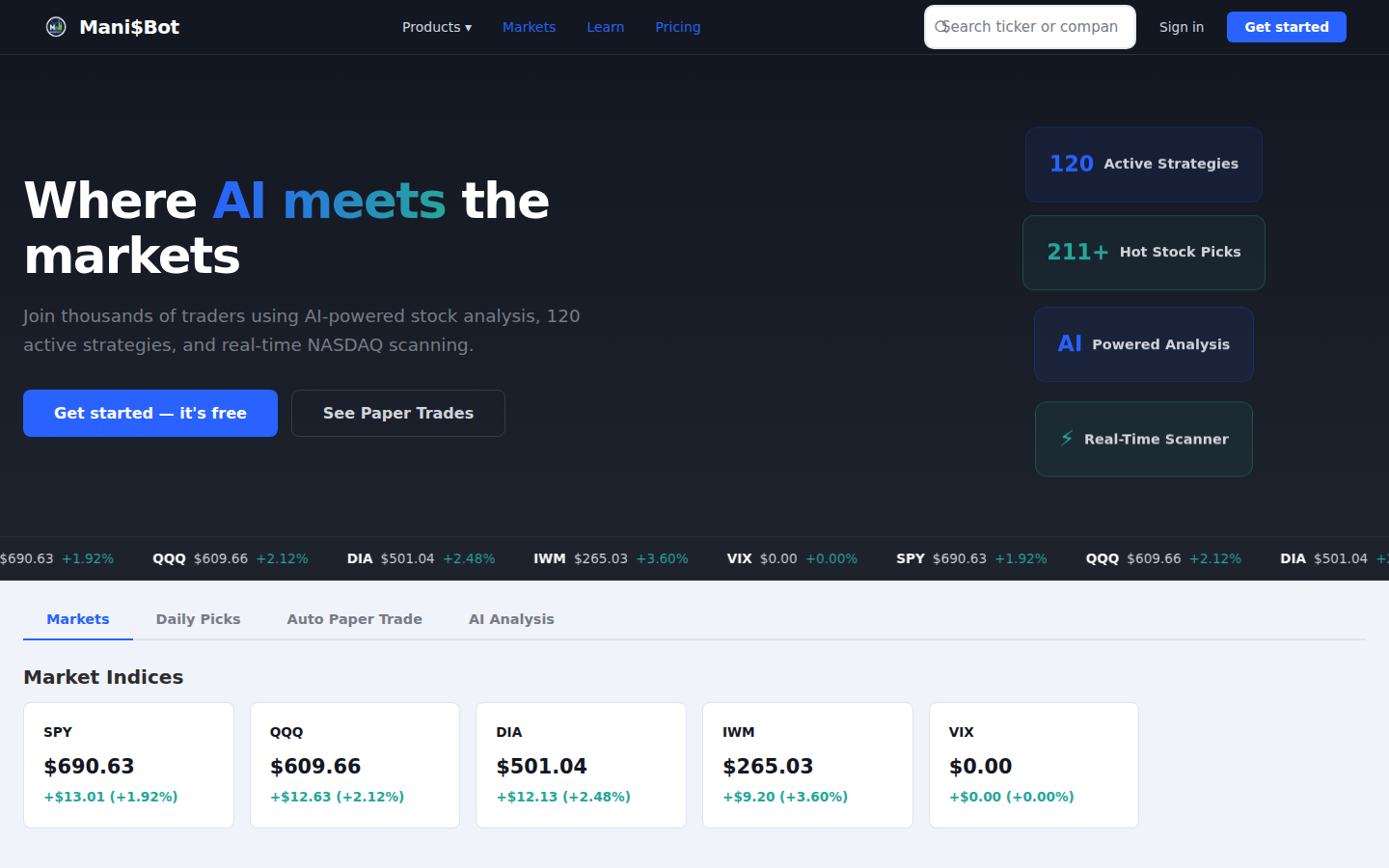
Callout Legend
- Strategy Dropdown — Select from 120+ pre-built scanning strategies (e.g., Momentum Breakout, Volume Surge, Short Squeeze).
- Filter Options — Refine results by price range, volume, market cap, sector, and more.
- Real-Time Refresh — Toggle auto-refresh or manually refresh scan results.
- Results Table — Sortable table with ticker, price, volume, change%, strategy score, and action buttons.
- Stock Actions — Click any row to view details, add to watchlist, or initiate a paper trade.
AI Analysis
The AI Analysis module harnesses multiple AI models to provide comprehensive stock analysis including fundamental, technical, sentiment, and risk assessments.
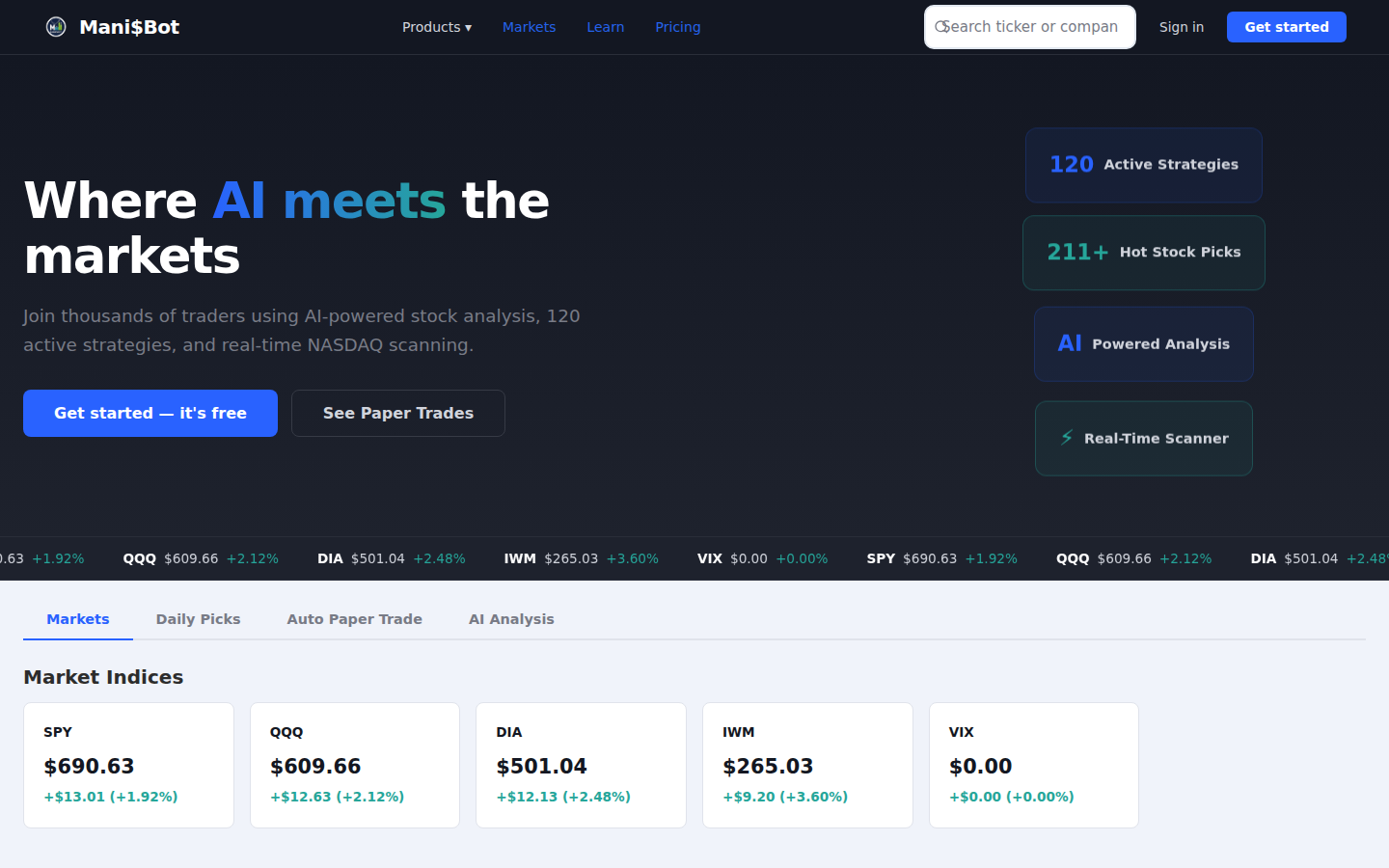
Callout Legend
- Ticker Input — Enter any stock ticker symbol (e.g., AAPL, TSLA, NVDA) for analysis.
- AI Model Selector — Choose from GPT-5, Gemini 2.0, Perplexity, or DeepSeek for analysis.
- Analysis Results — Comprehensive analysis including price target, buy/sell/hold recommendation, and risk score.
- Technical Indicators — Moving averages, RSI, MACD, and other technical metrics.
- Sentiment Analysis — News sentiment, social media buzz, and overall market sentiment for the stock.
Paper Trading
Practice trading with a $100,000 virtual portfolio. Execute buy and sell orders, track positions, and monitor your P&L — all without risking real money.
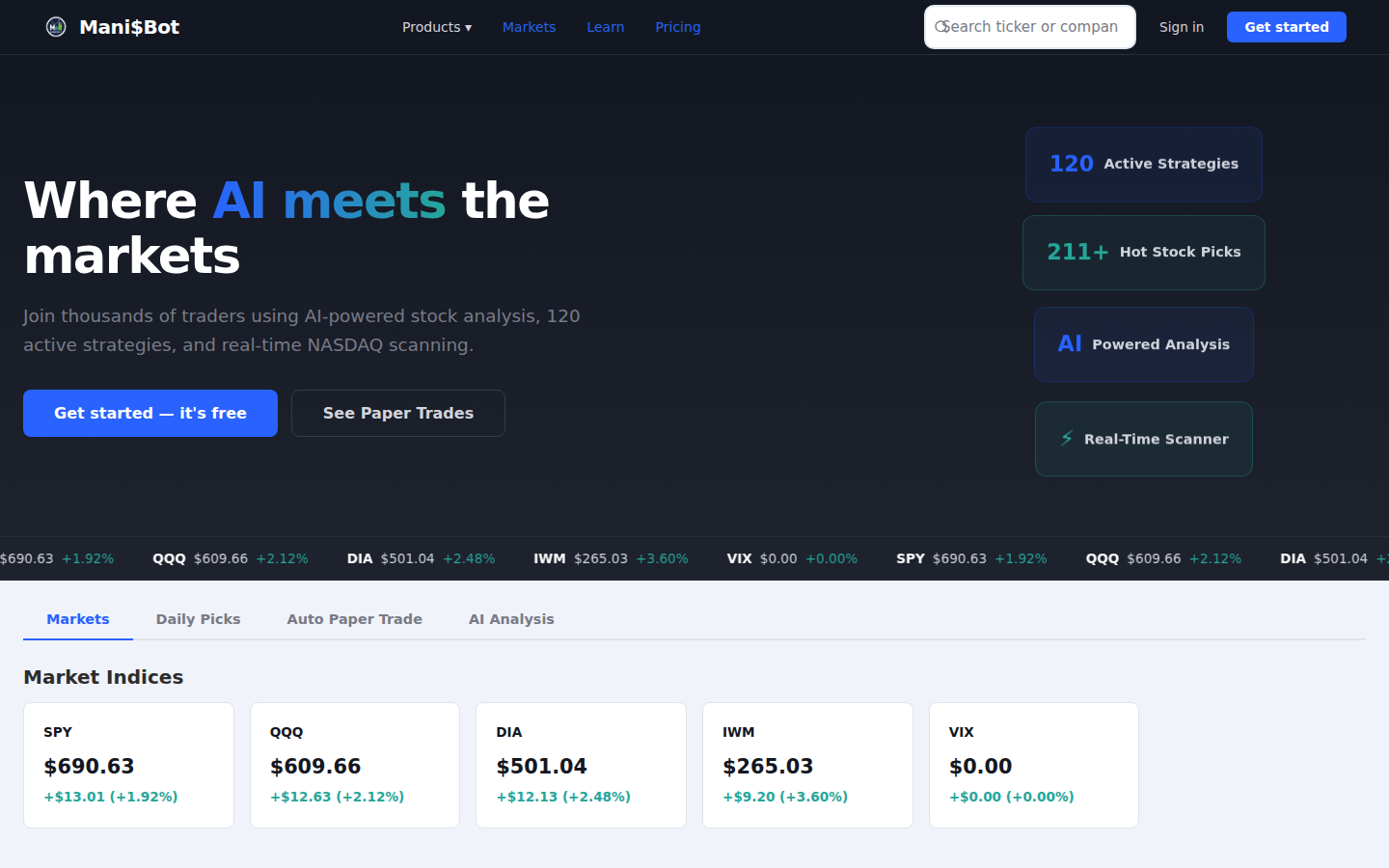
Callout Legend
- Account Balance — Current virtual cash balance and total portfolio value.
- P&L Summary — Overall profit/loss with percentage returns since inception.
- Buy/Sell Panel — Enter ticker, quantity, and order type to execute trades.
- Open Positions — Active positions showing ticker, shares, avg cost, current price, and unrealized P&L.
- Position Actions — Sell or modify existing positions with one click.
- Trade History — Complete log of all executed trades with timestamps and prices.
Auto-Trade Dashboard
The Auto-Trade Dashboard manages the AI-powered automated paper trading system. Build custom scanners, create pipelines, and let the system trade automatically based on your strategies.
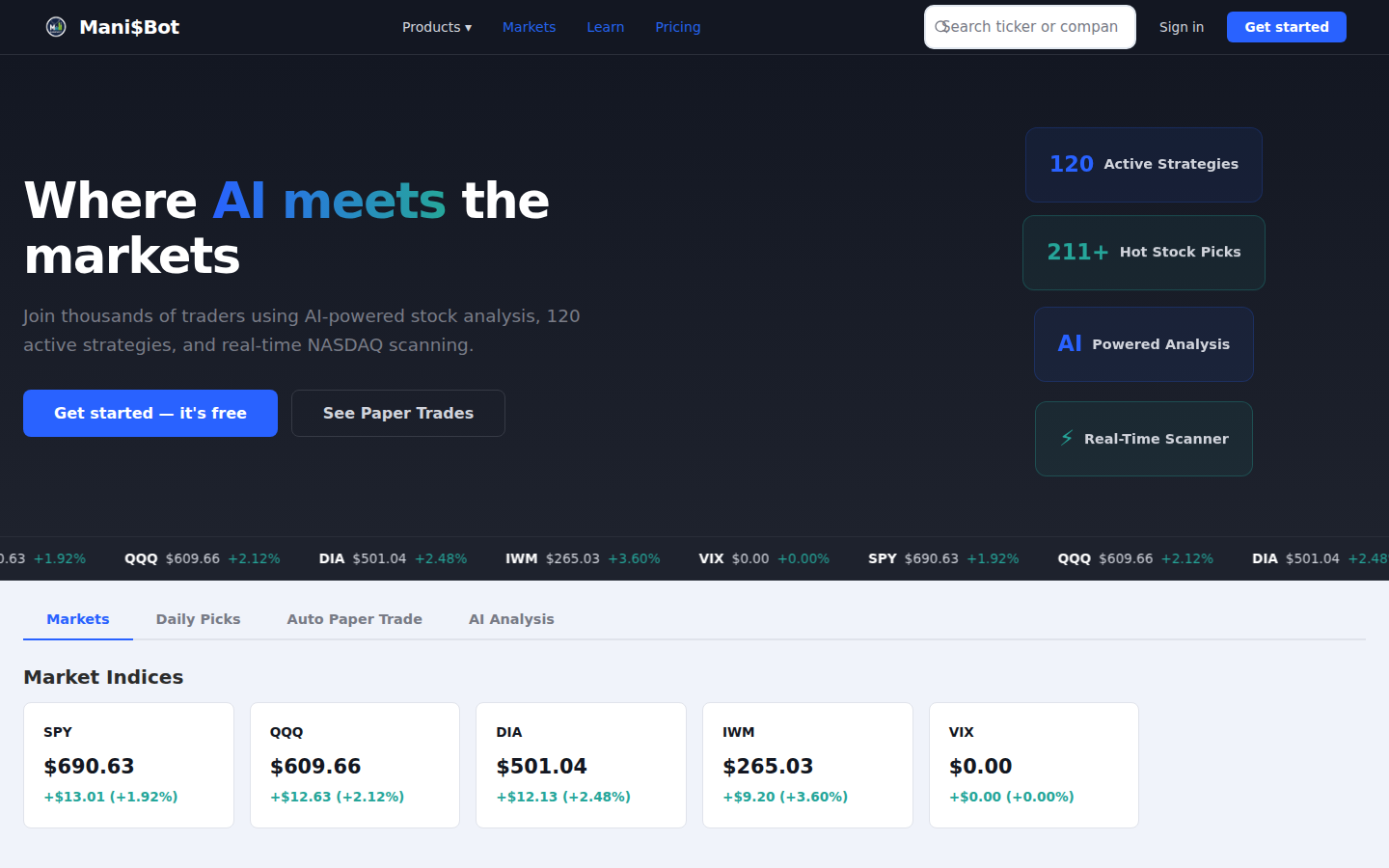
Callout Legend
- View Toggle — Switch between Mani$Bot automated trades and your custom trades.
- Performance Metrics — Win rate, total trades, net P&L, and other key statistics.
- Active Trades Table — Currently open automated trades with real-time pricing.
- Scanner Builder — Create custom scanners with your own criteria and filters.
- Pipeline Builder — Chain multiple strategies together into automated trading pipelines.
Backtesting
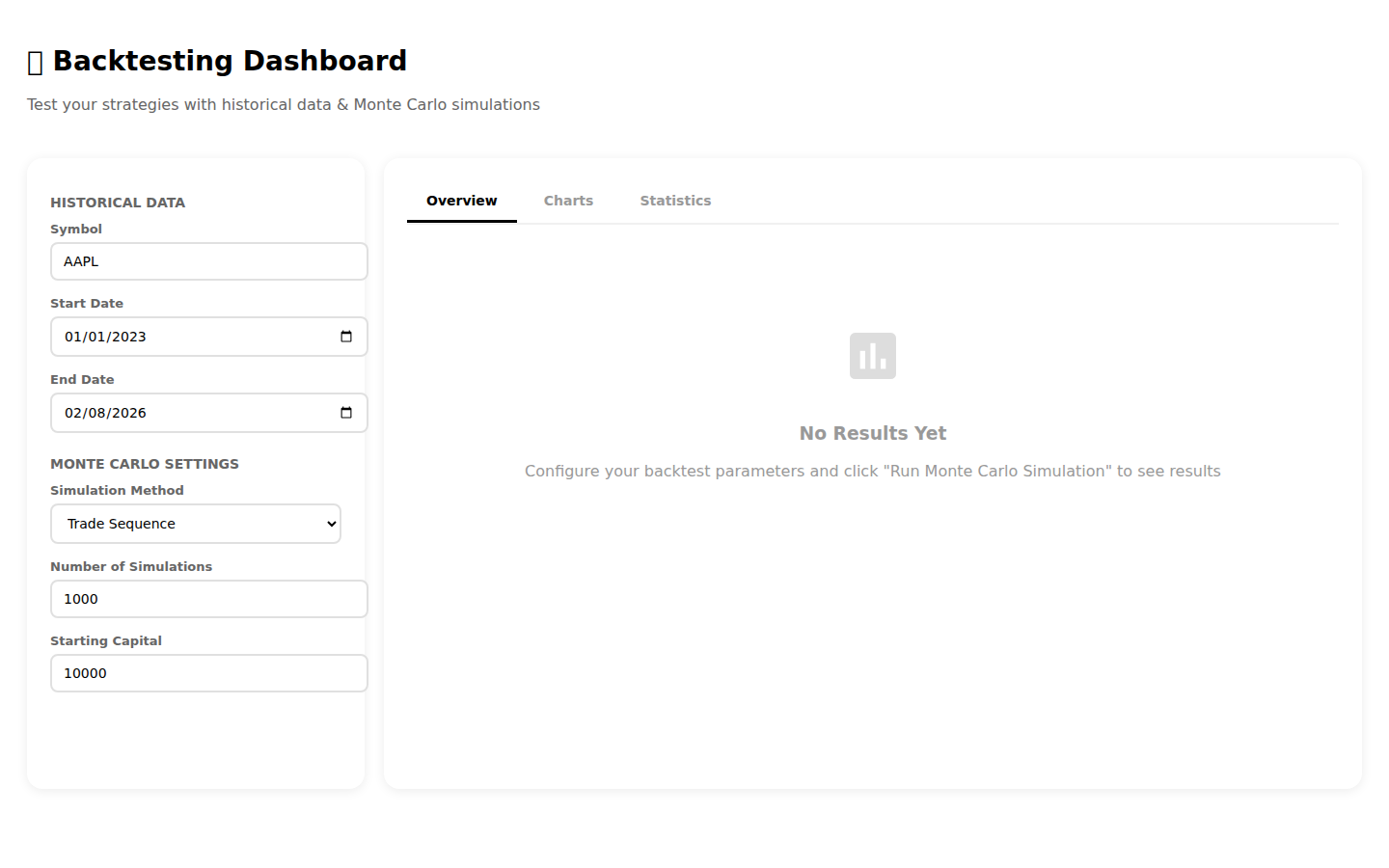
Test your trading strategies against historical data to evaluate performance before committing real capital. The backtesting engine simulates trades across configurable date ranges.
Callout Legend
- Strategy Selector — Choose which strategy to backtest from the full strategy library.
- Date Range — Set the start and end dates for the historical simulation period.
- Run Backtest — Execute the backtest and generate results.
- Performance Metrics — Total return, Sharpe ratio, max drawdown, win rate, and other key metrics.
- Trade Log — Detailed list of every simulated trade with entry/exit prices and P&L.
Strategy Builder
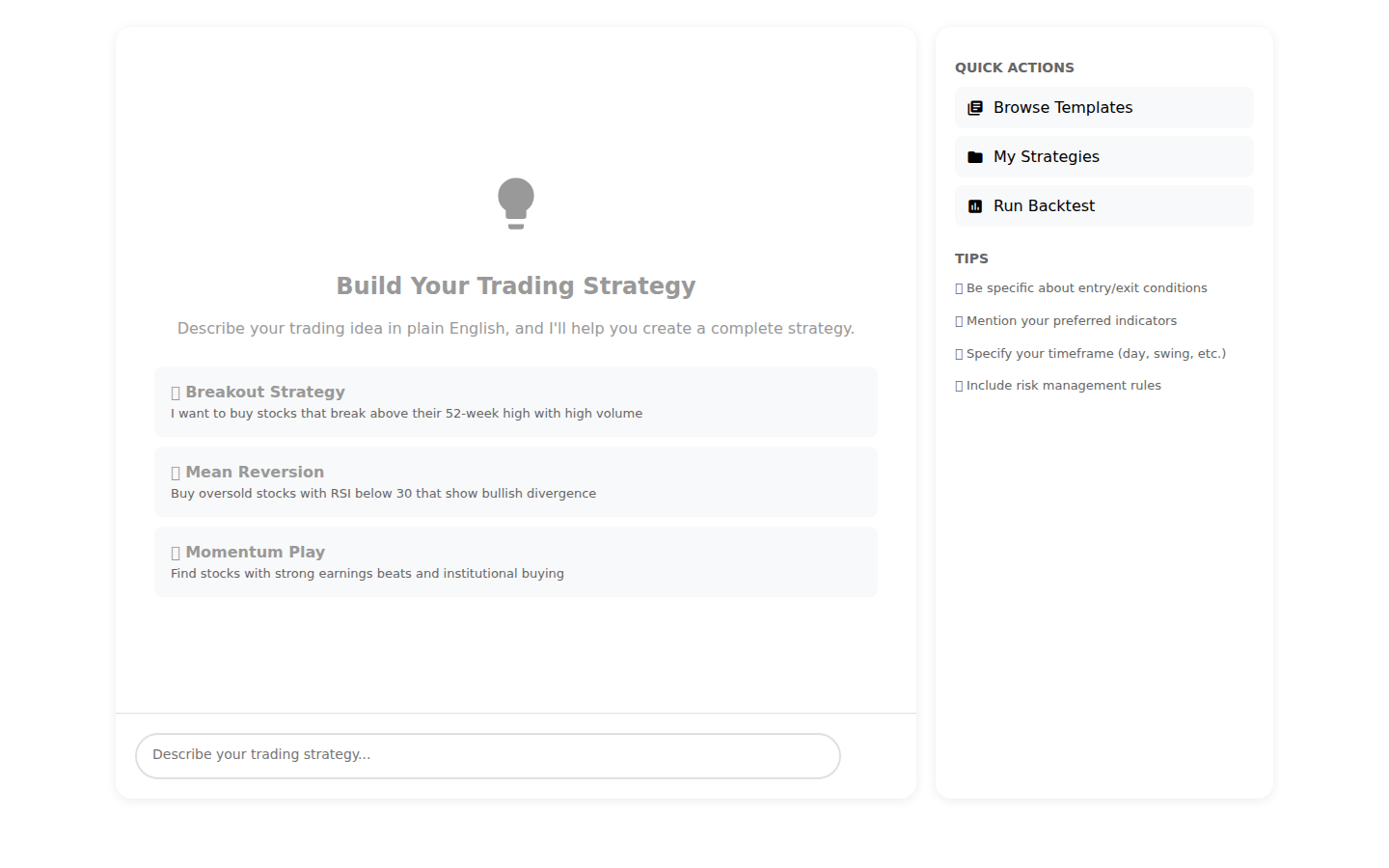
Build custom trading strategies using AI-powered discovery tools or natural language descriptions. The platform translates your ideas into executable scanning strategies.
10.1 Strategy Builder
Callout Legend
- Strategy Templates — Browse pre-built strategy templates by category (momentum, value, growth, etc.).
- Criteria Builder — Define technical and fundamental criteria using a visual builder.
- AI Recommendations — AI suggests optimal parameter values based on historical performance.
- Save & Test — Save your strategy and immediately backtest it.
10.2 Natural Language Strategy Builder
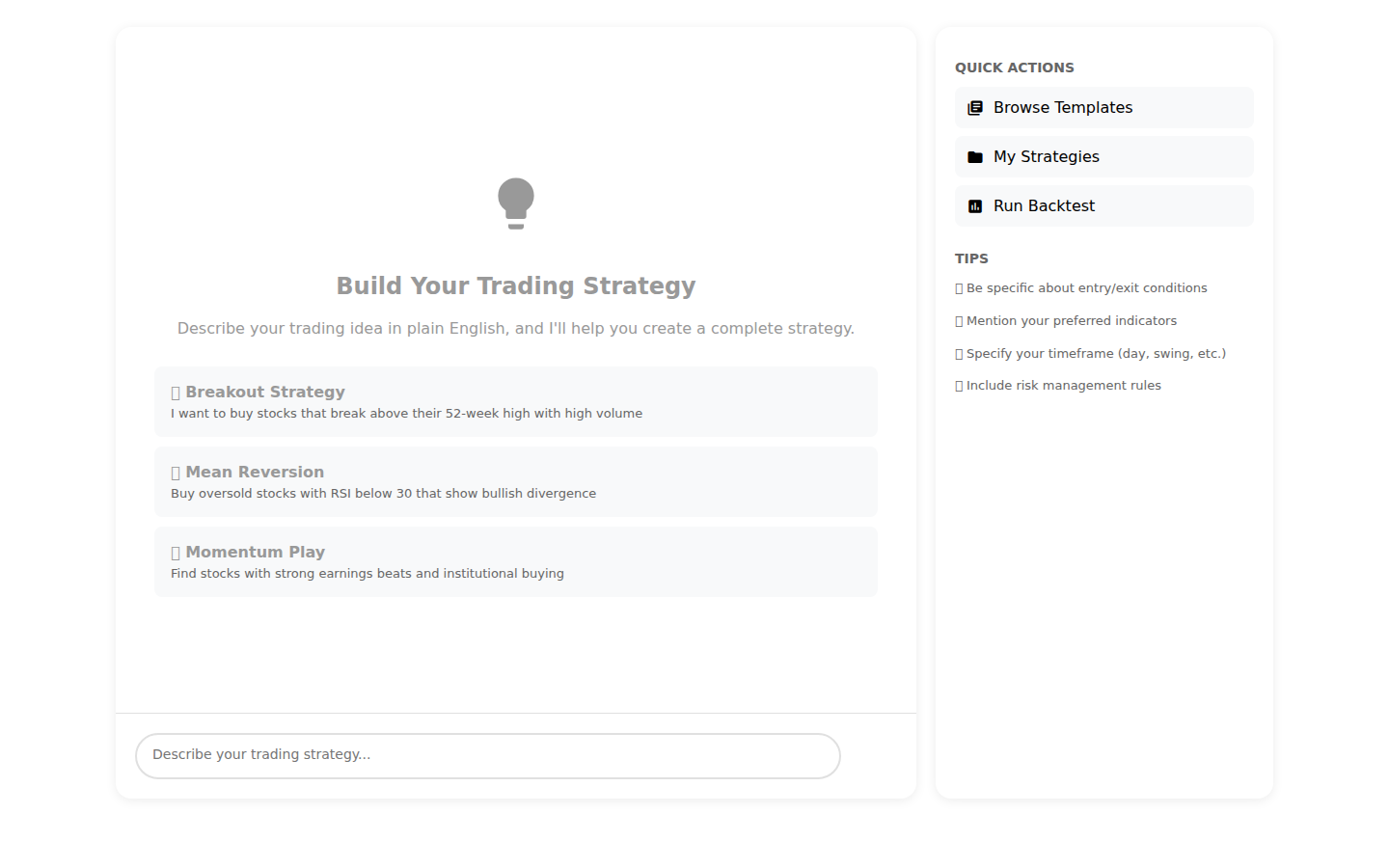
Describe your trading strategy in plain English and the AI will convert it into executable scanner criteria.
Callout Legend
- Natural Language Input — Type your strategy in plain English (e.g., "Find stocks with high short interest that are breaking out on volume").
- AI Interpretation — The AI parses your description and shows the translated criteria.
- Generated Strategy — Review and edit the AI-generated strategy parameters before saving.
Game Theory Scanner
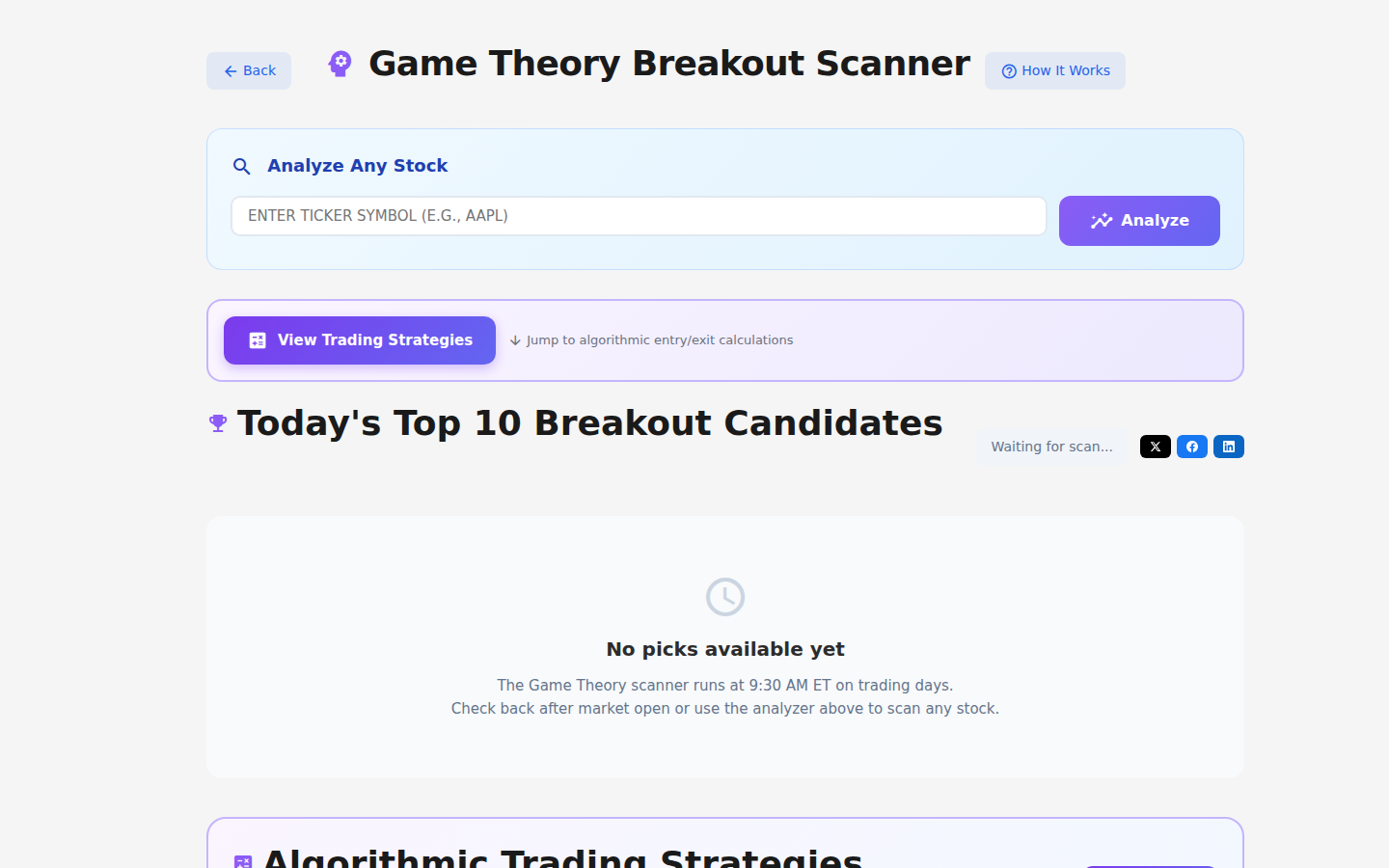
The Game Theory Scanner applies multi-player strategic analysis to identify stocks where market participants’ actions create breakout opportunities.
Callout Legend
- Scanner Controls — Configure game theory parameters and scoring weights.
- Breakout Candidates — Stocks with high game theory scores indicating potential breakouts.
- Player Analysis — Breakdown of institutional, retail, and short-seller positioning.
- Scoring System — Composite score combining multiple game theory metrics.
- Trade Signals — Actionable buy/sell signals based on game theory analysis.
Commodities & Markov Predictor
Track commodity prices and use Markov chain-based predictions to forecast future price movements based on historical transition probabilities.
Callout Legend
- Commodity Selector — Choose from gold, silver, oil, natural gas, and other major commodities.
- Current Prices — Real-time commodity pricing with daily change data.
- Markov Prediction — Probability-based price forecast using Markov chain state transitions.
- Historical Chart — Price history chart with prediction overlay showing likely future paths.
Learning Center
Master trading concepts with 40+ interactive lessons organized into 6 learning trails. Track your progress, complete quizzes, and earn rewards as you learn.
Callout Legend
- Progress Overview — Your overall learning progress with lessons completed and trails finished.
- Learning Trails — 6 structured trails: Beginner, Technical Analysis, Fundamental Analysis, Options, Risk Management, and Advanced.
- Lesson Cards — Individual lessons with duration, difficulty level, and completion status.
- Quiz Section — Test your knowledge after completing each lesson module.
- Rewards — Earn badges and points for completing lessons and trails.
Authentication & Security
Mani$Bot provides robust security features including two-factor authentication, legal consent management, and beta access controls.
14.1 Two-Factor Authentication Setup
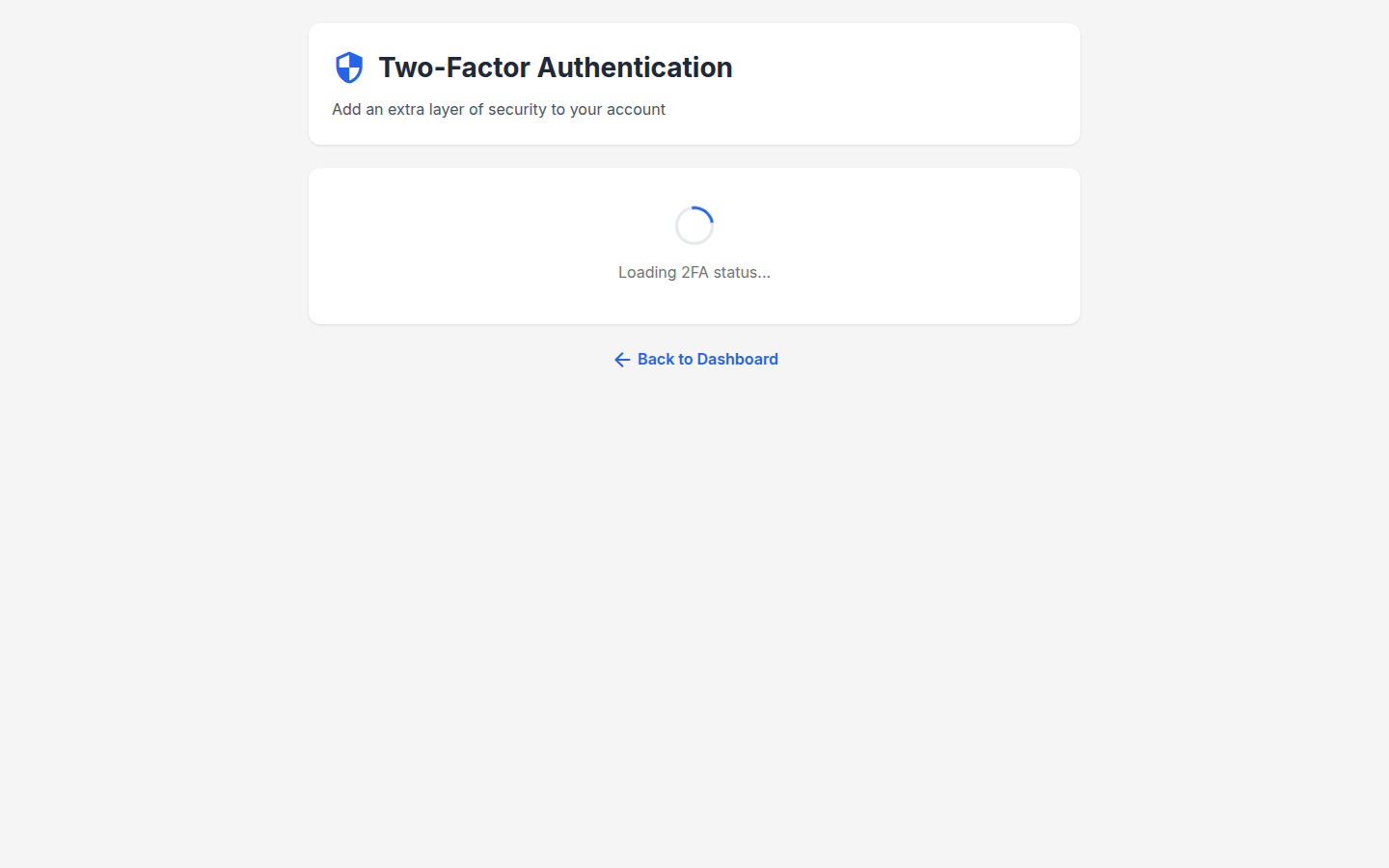
Enable 2FA to add an extra layer of security to your account using a TOTP authenticator app.
Callout Legend
- QR Code — Scan with your authenticator app (Google Authenticator, Authy, etc.).
- Manual Key — If you can't scan the QR code, enter this key manually in your authenticator.
- Verification Code Input — Enter the 6-digit code from your authenticator to complete setup.
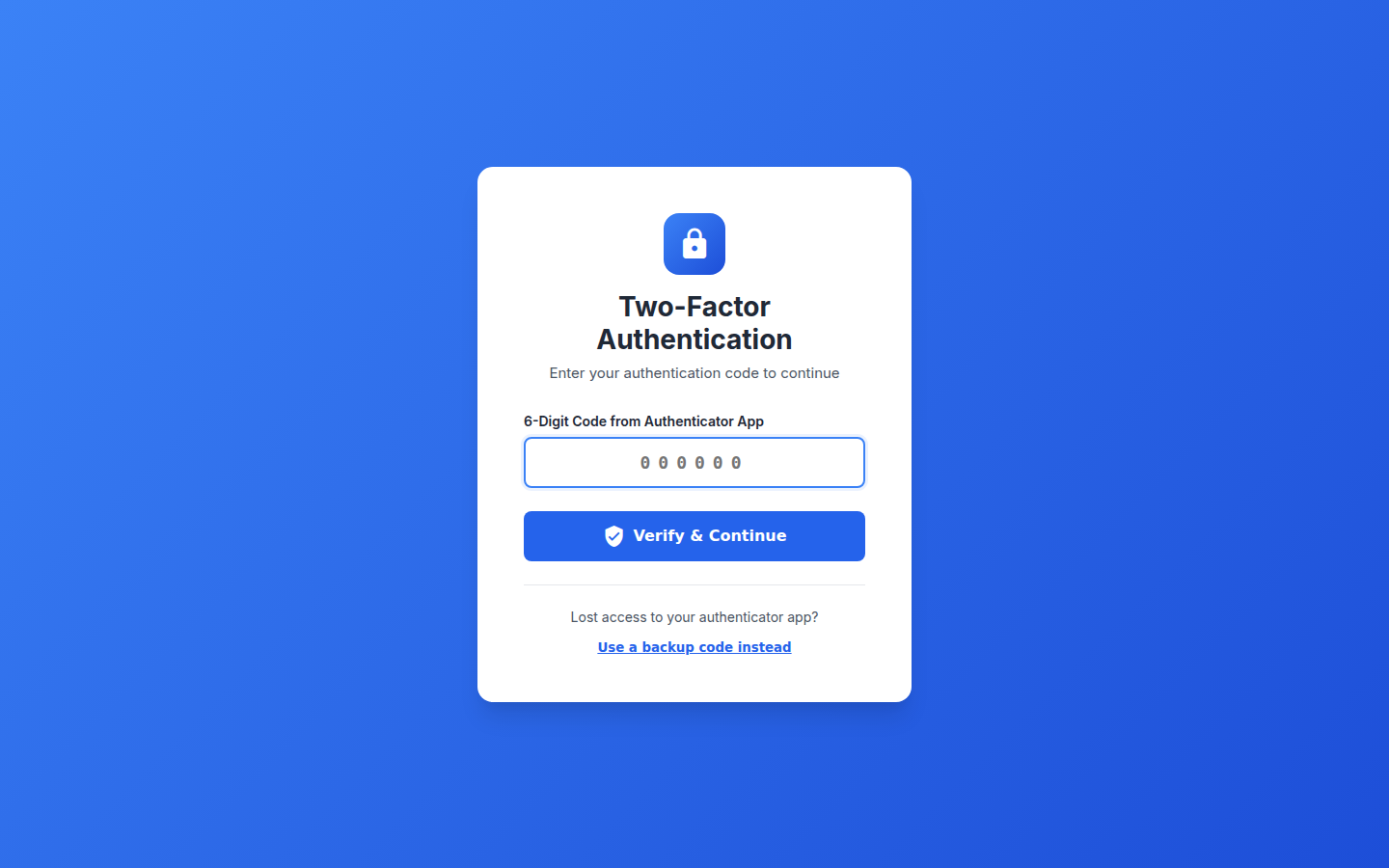
14.2 2FA Verification
Callout Legend
- Code Input Field — Enter the current 6-digit code from your authenticator app.
- Verify Button — Submit the code to complete authentication.
- Backup Options — Lost access? Use backup codes or contact support.
14.3 Legal Consent Form
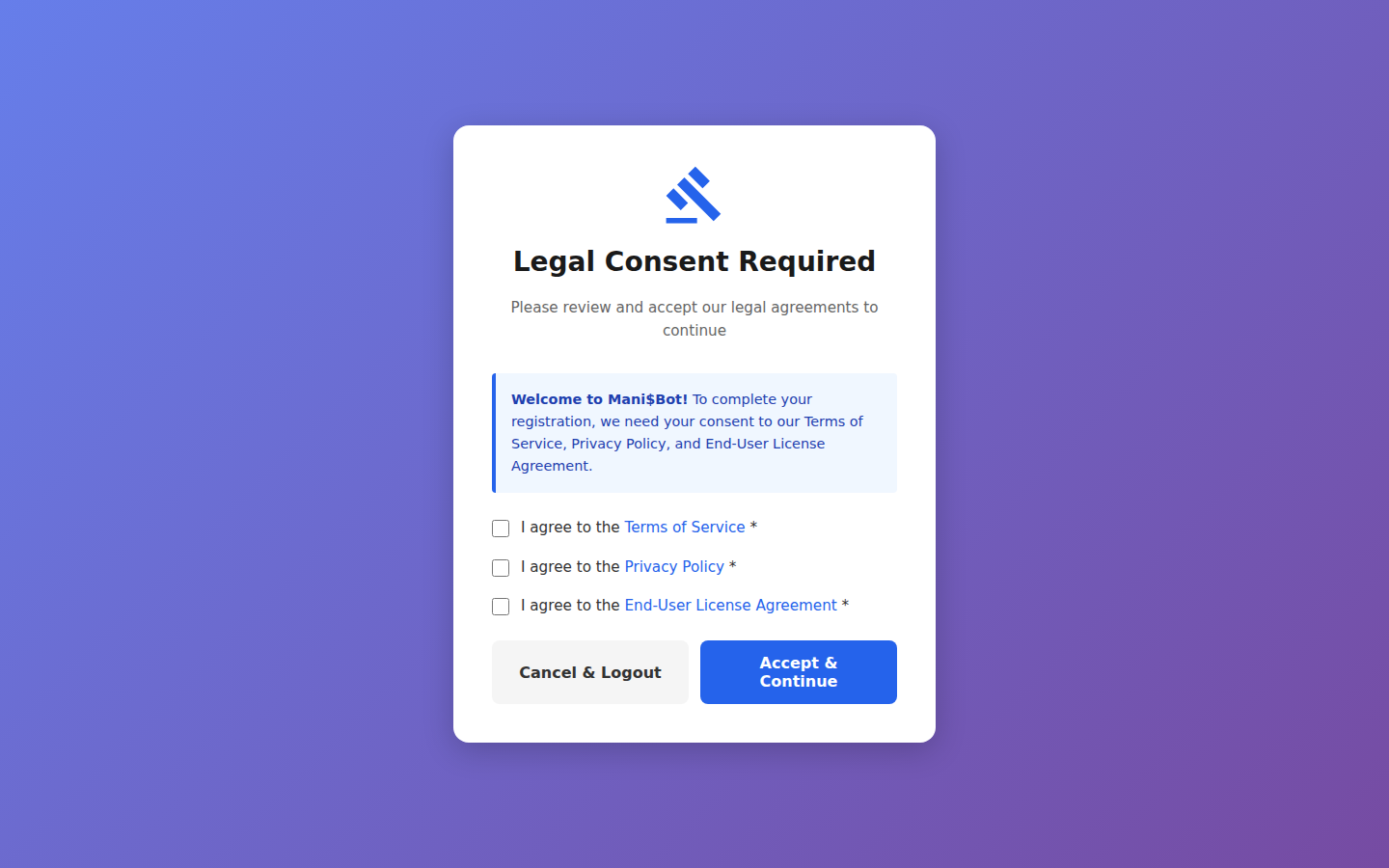
Callout Legend
- Disclaimer Text — Read the full platform disclaimer regarding simulated trading.
- Consent Checkboxes — Acknowledge that you understand the risks and terms.
- Accept Button — Click to accept and proceed to the platform.
14.4 Password Reset
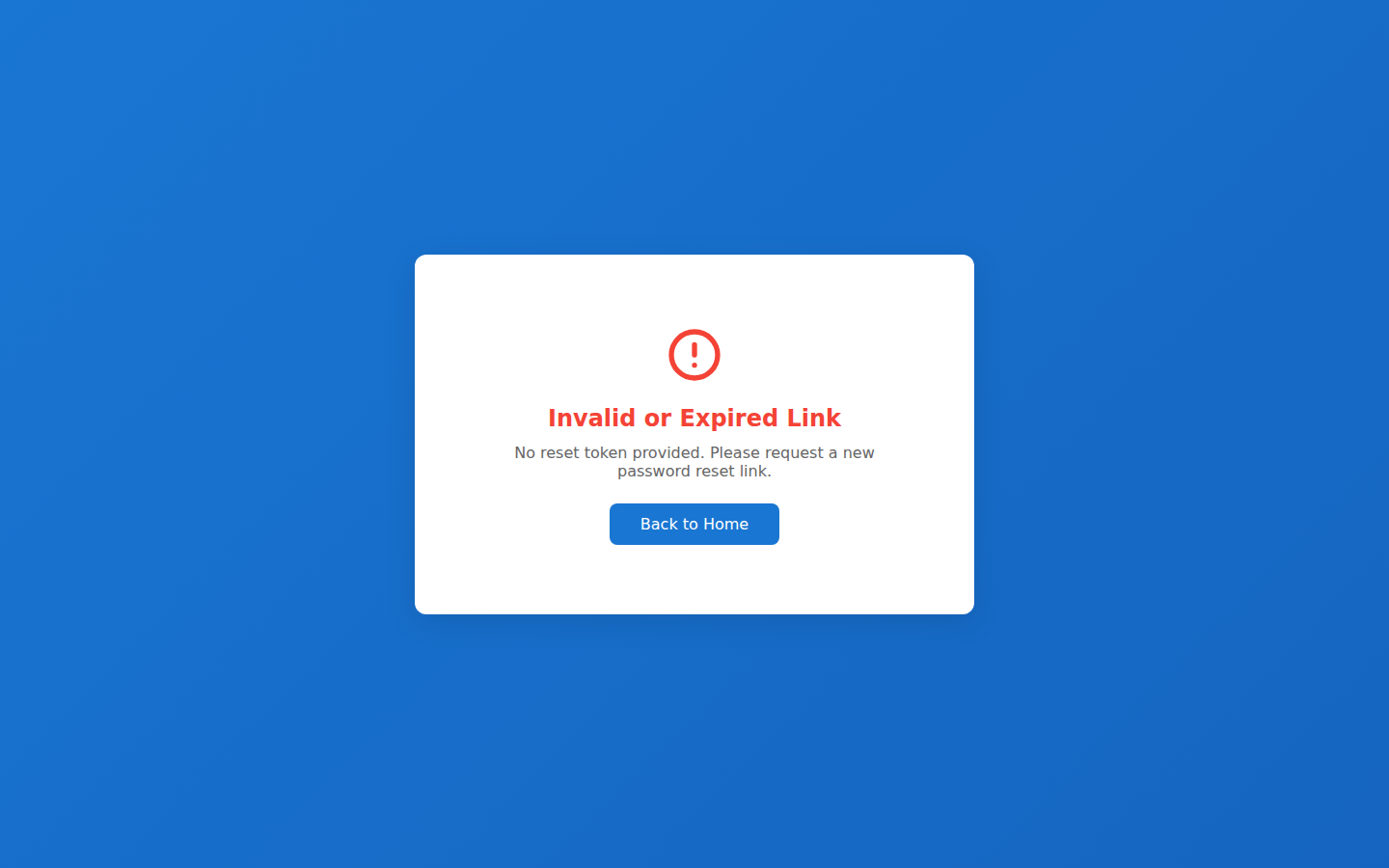
Callout Legend
- Email Input — Enter the email address associated with your account.
- Reset Button — Send a password reset link to your email.
- Back to Login — Return to the login page if you remember your password.
14.5 Beta Access Request
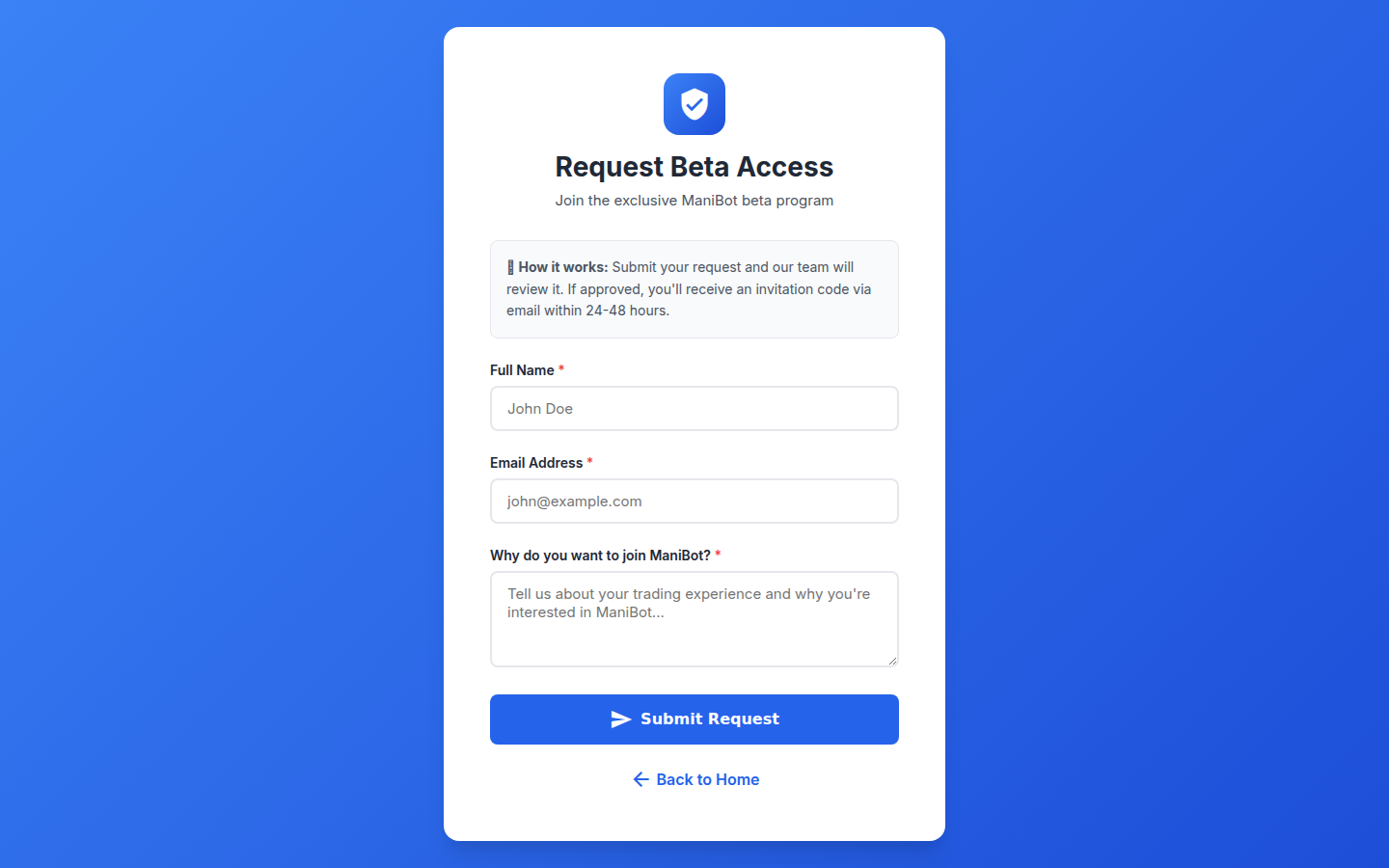
Callout Legend
- Request Form — Fill in your details to request beta access to the platform.
- Trading Experience — Select your level of trading experience for personalized onboarding.
- Submit Request — Submit your beta access request for review.
14.6 Beta Access Required
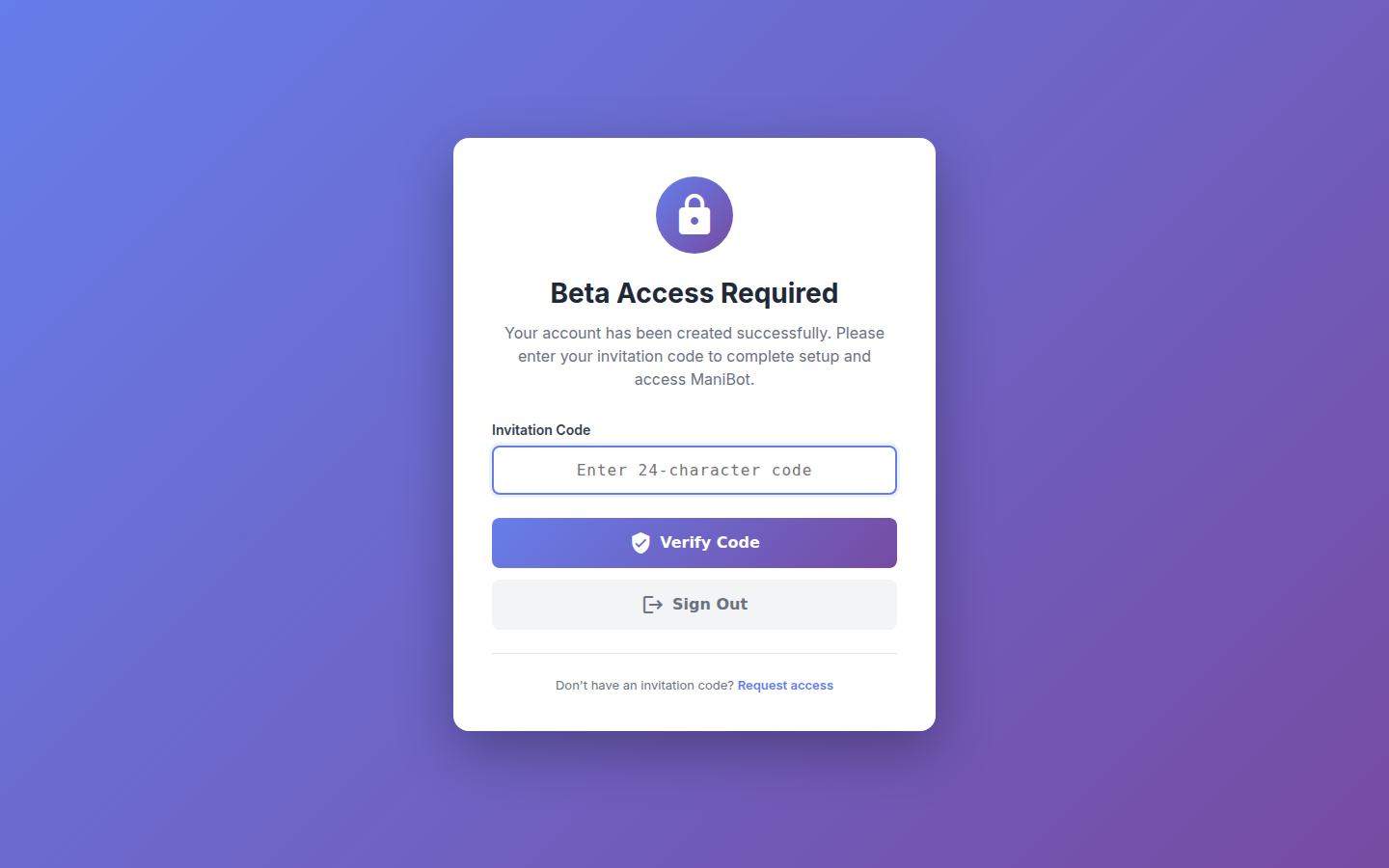
Callout Legend
- Access Notice — Notification that beta access is required to use this feature.
- Request Access Link — Click to submit a beta access request.
Help Center
The Help Center provides comprehensive documentation for every feature of the platform, organized by topic with searchable content.
15.1 Help Center Main Page
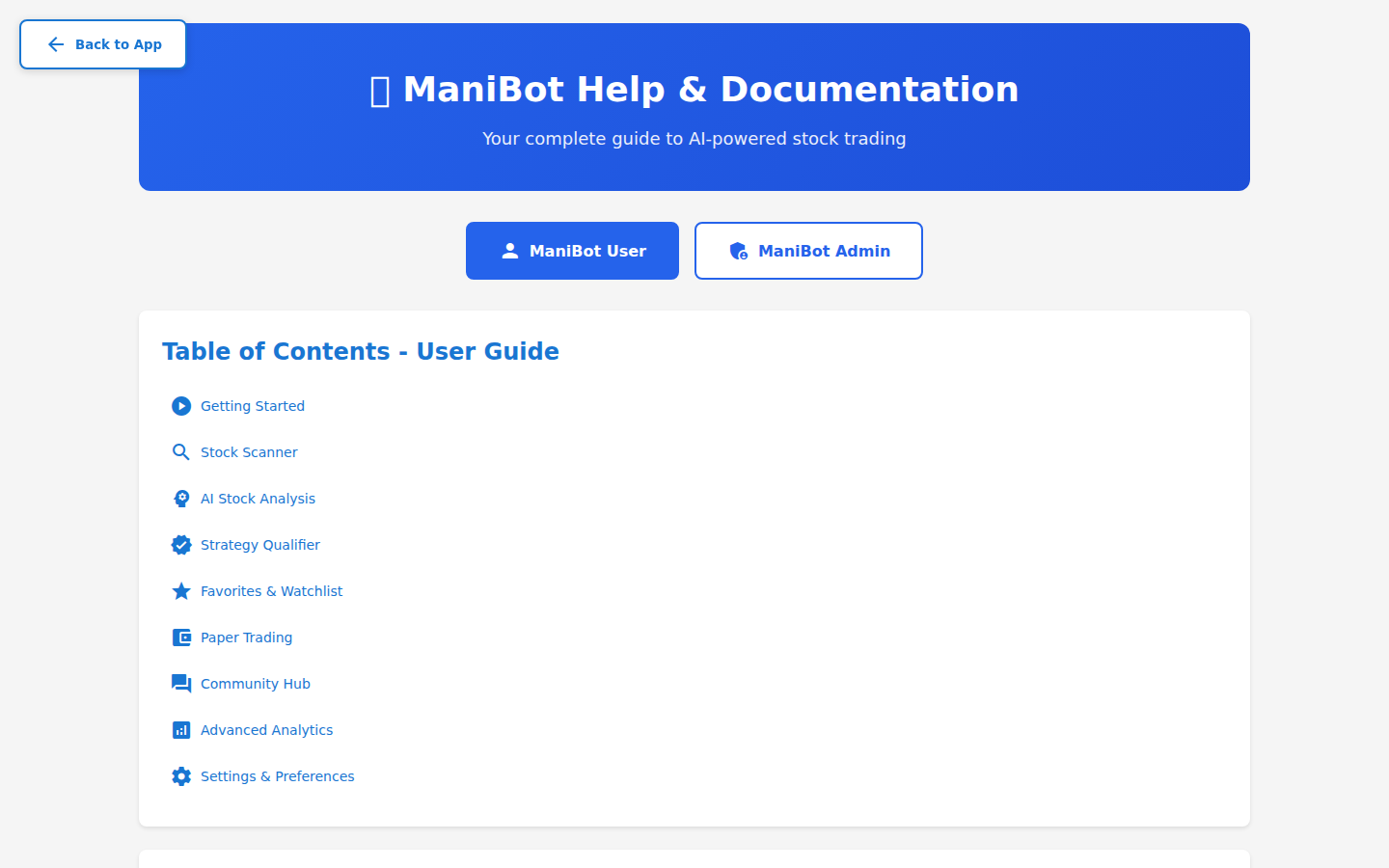
Callout Legend
- Search Bar — Search for help topics by keyword.
- Topic Categories — Browse help by feature category.
- Popular Articles — Most-viewed help articles for quick access.
- Contact Support — Can't find what you need? Contact the support team.
15.2 Scanner Help
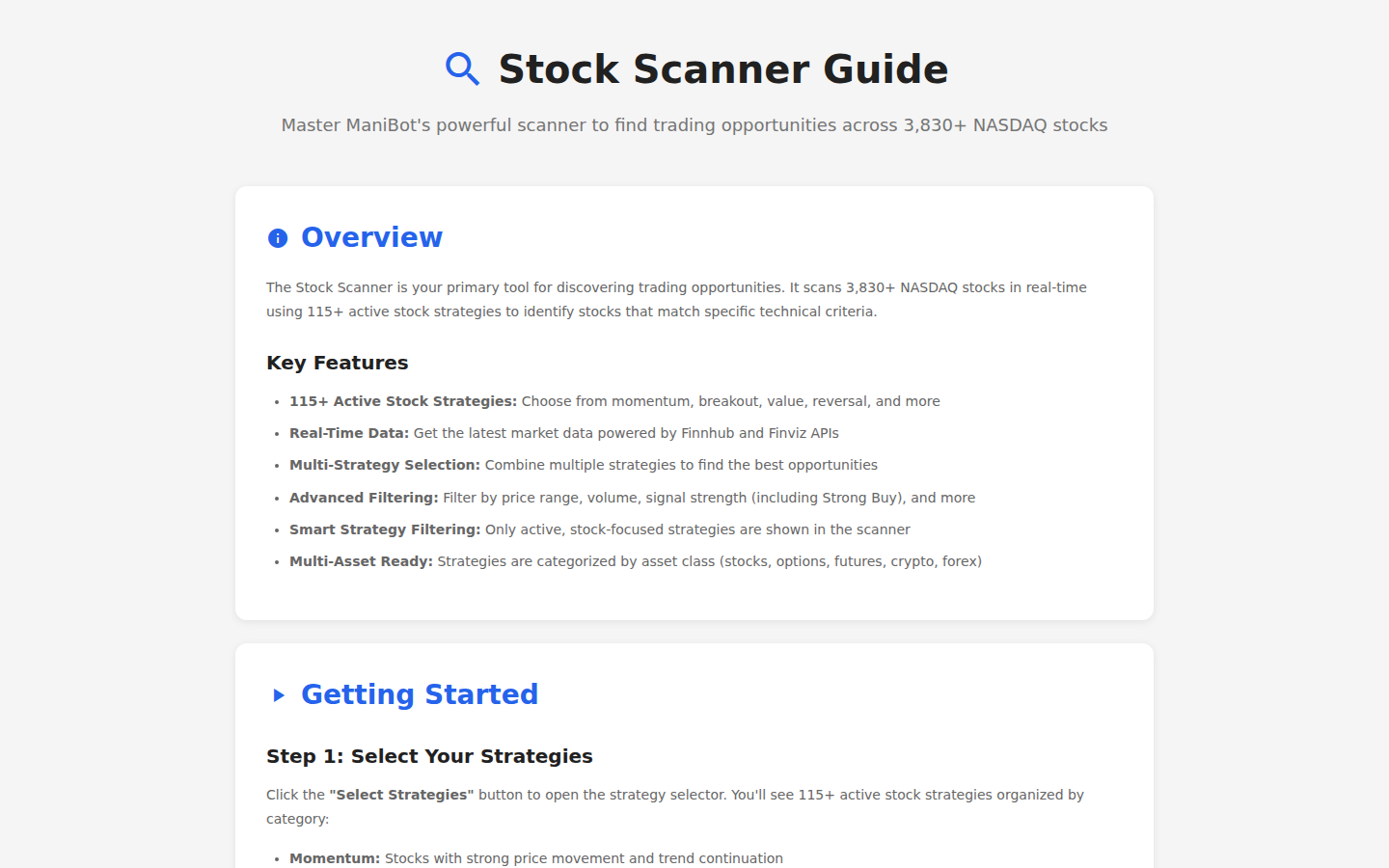
Callout Legend
- Scanner Overview — How the stock scanner works and available strategies.
- Step-by-Step Guide — Detailed instructions for running your first scan.
15.3 AI Analysis Help
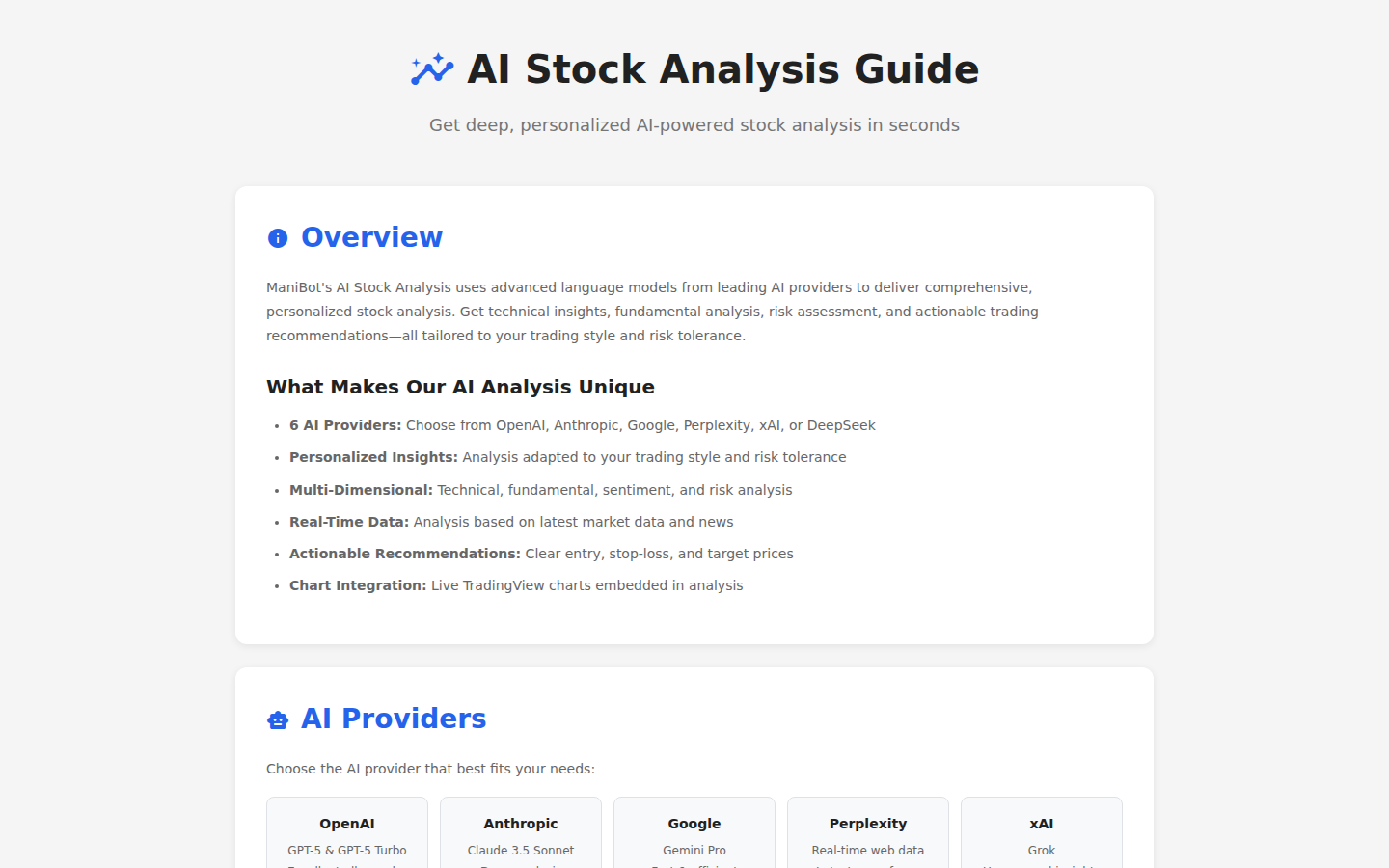
Callout Legend
- AI Models Explained — Overview of each AI model and its strengths.
- Usage Guide — How to get the best analysis results from each model.
15.4 Paper Trading Help
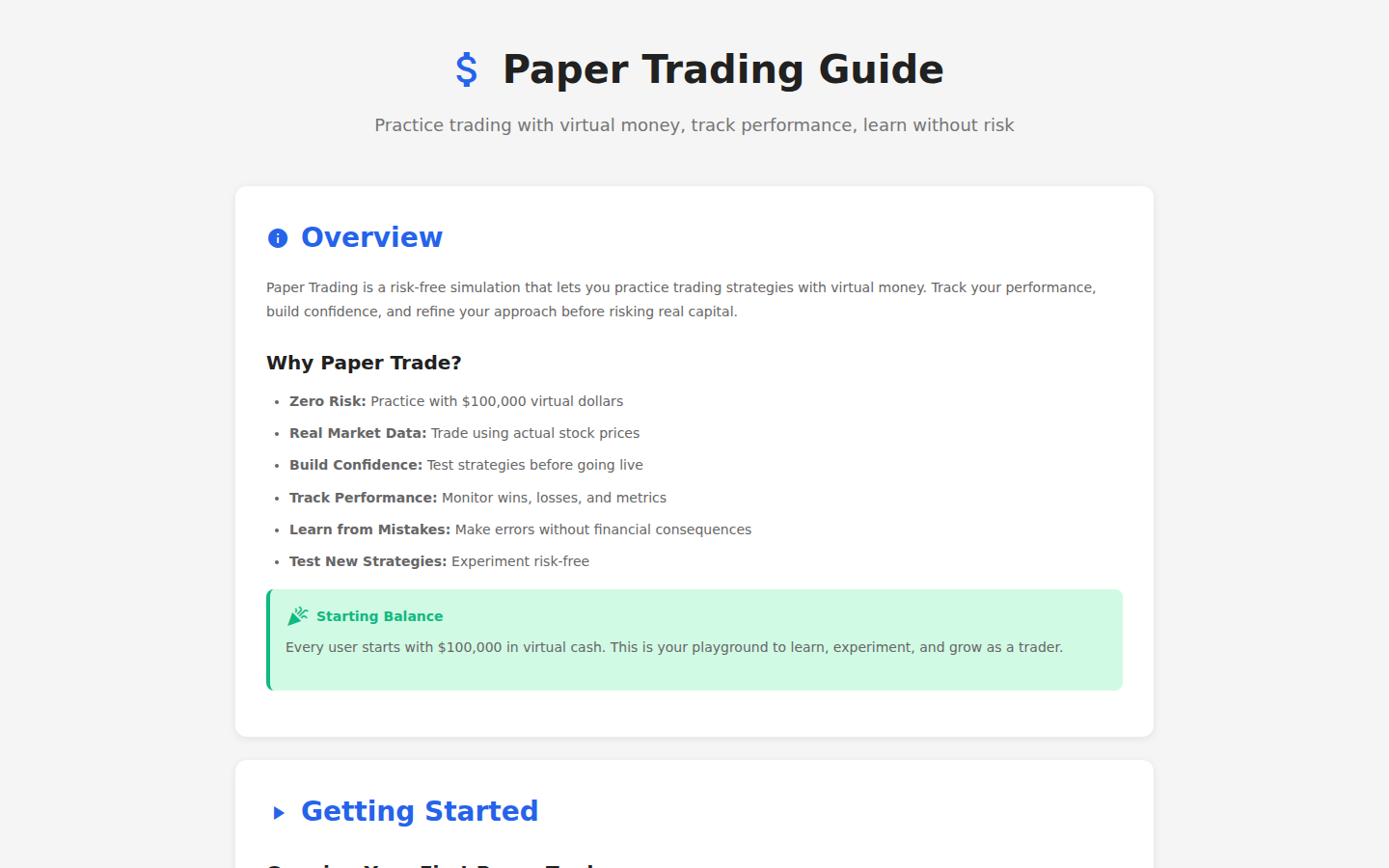
Callout Legend
- Getting Started — How to place your first paper trade.
- Managing Positions — How to monitor, modify, and close positions.
15.5 Learning Help
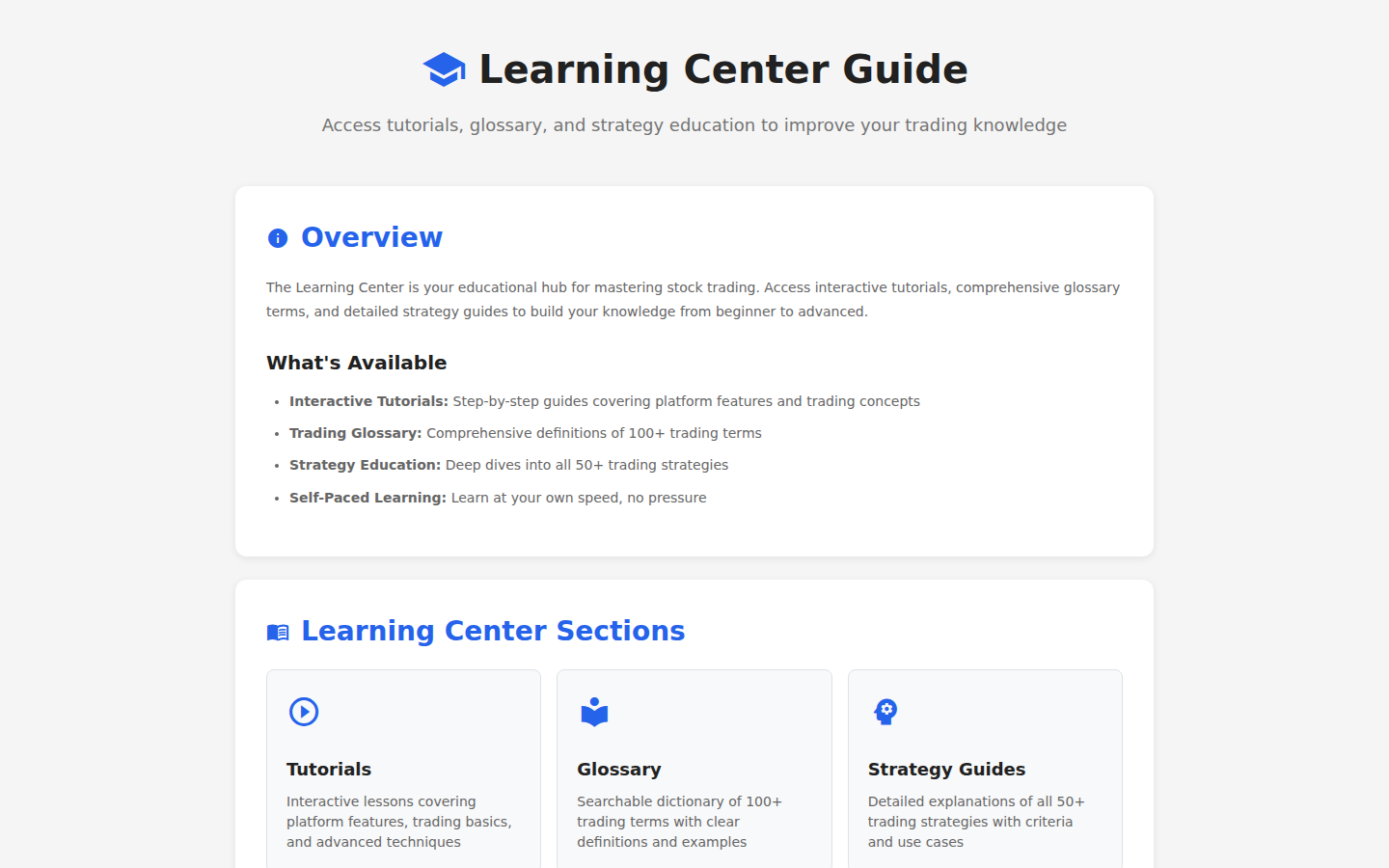
Callout Legend
- Learning Trails — Overview of available learning paths and prerequisites.
- Progress Tracking — How to track your learning progress and earn rewards.
15.6 Watchlist Help
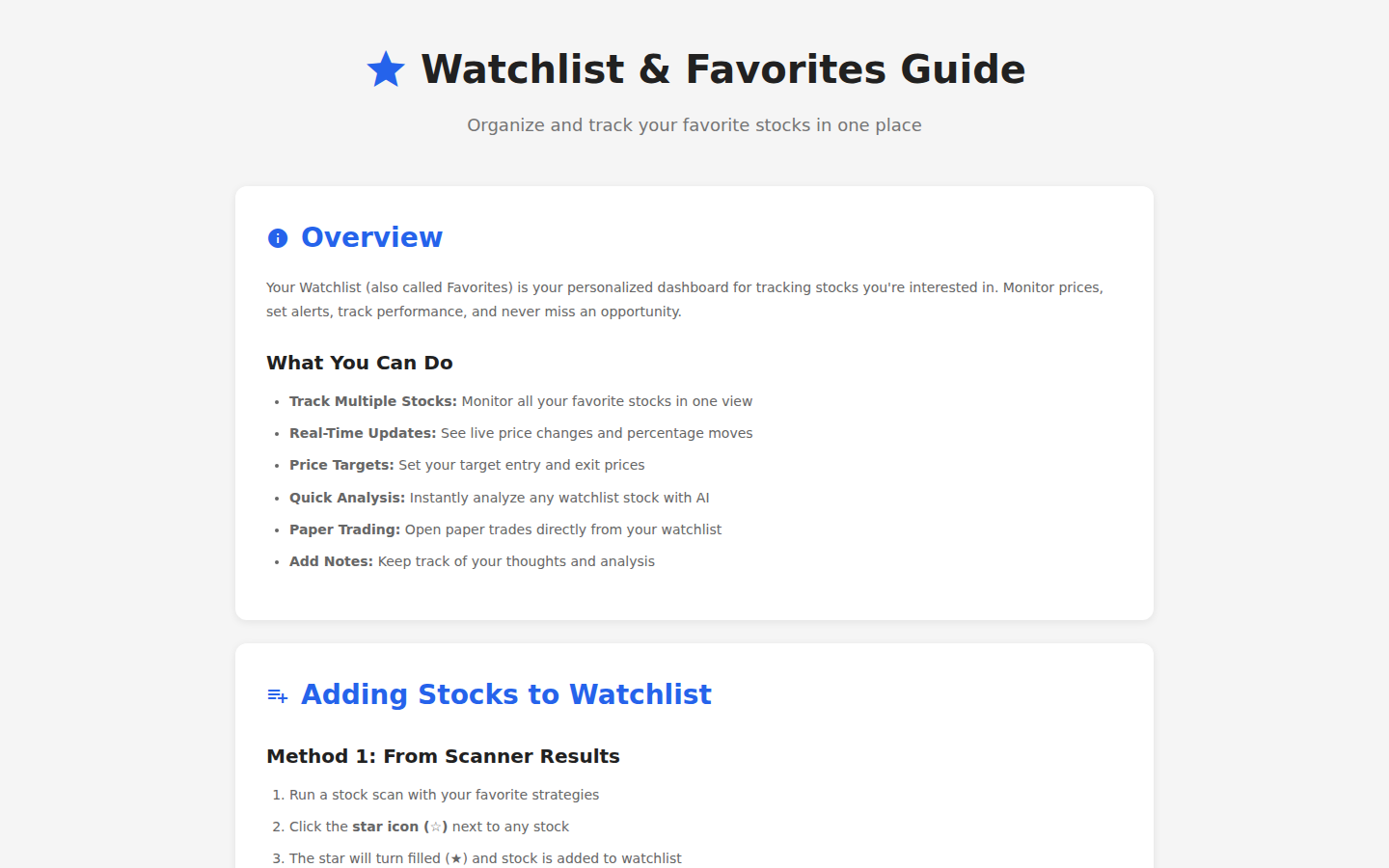
Callout Legend
- Creating Watchlists — How to create and organize stock watchlists.
- Alerts & Notifications — Set price alerts and receive notifications.
15.7 Strategy Builder Help
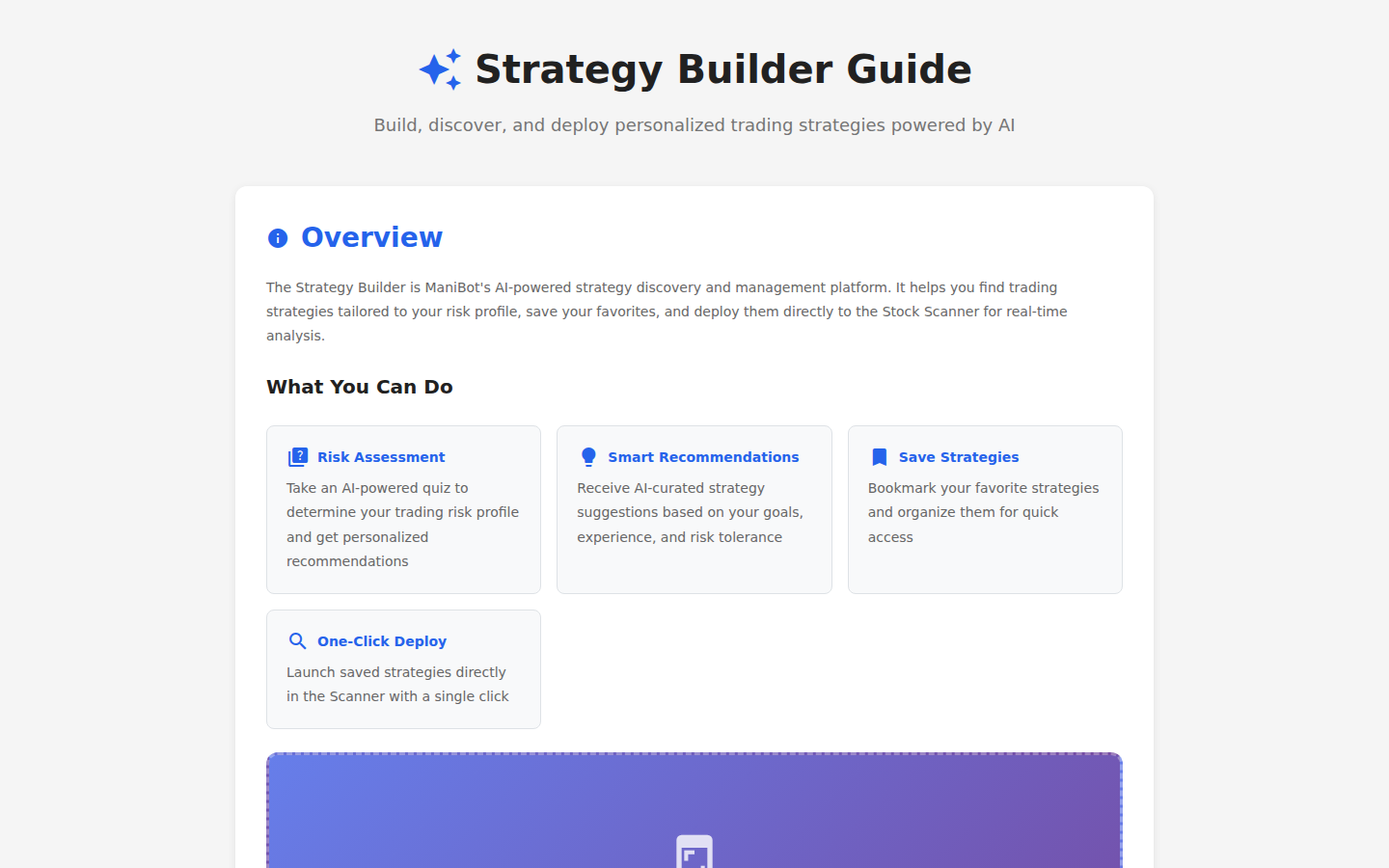
Callout Legend
- Building Strategies — Step-by-step guide to creating custom strategies.
- NL Strategy Builder — How to use natural language to define strategies.
15.8 Commodities Help
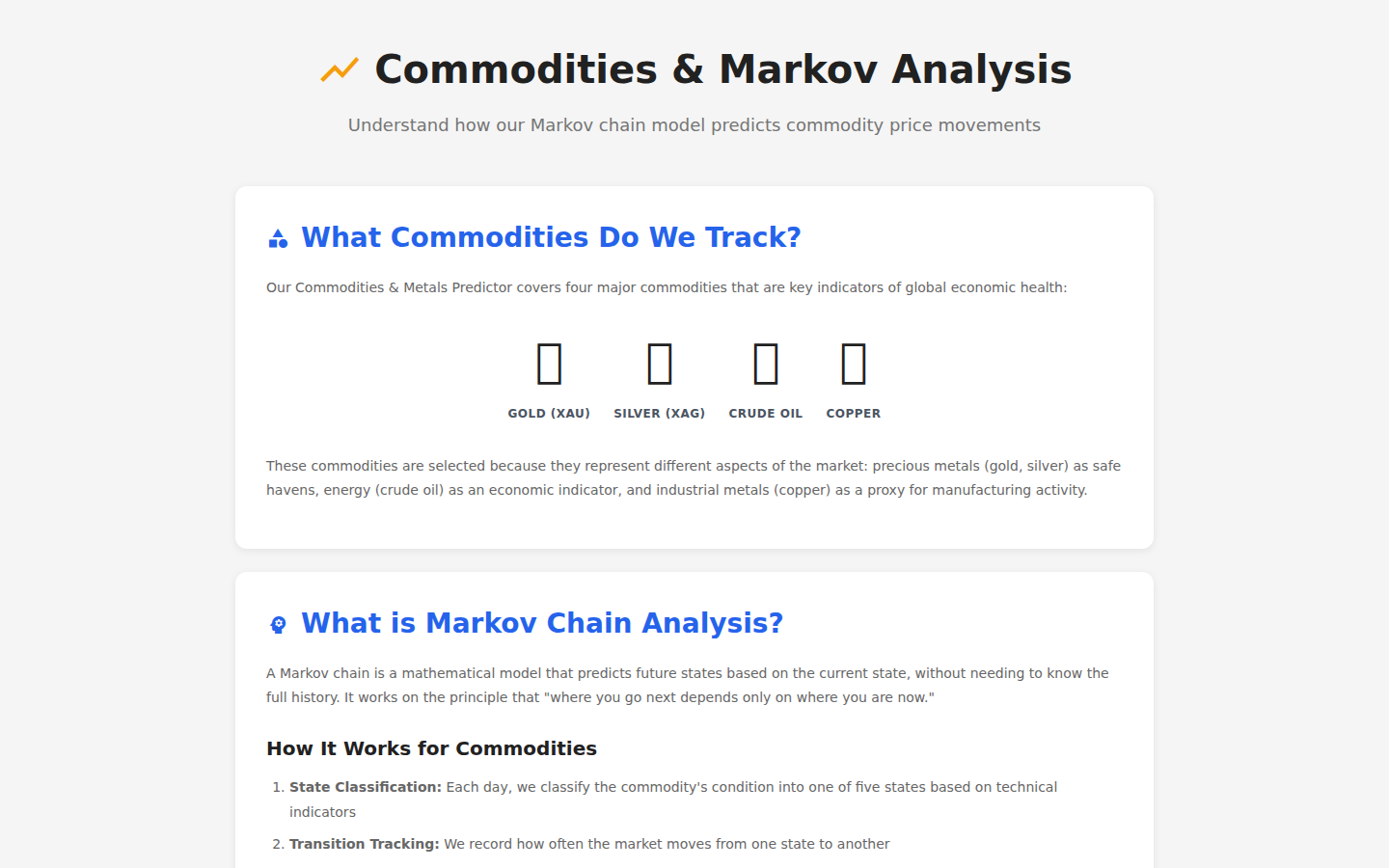
Callout Legend
- Commodity Tracking — How to monitor commodity prices and trends.
- Markov Predictions — Understanding the Markov chain prediction model.
15.9 Personalization Help
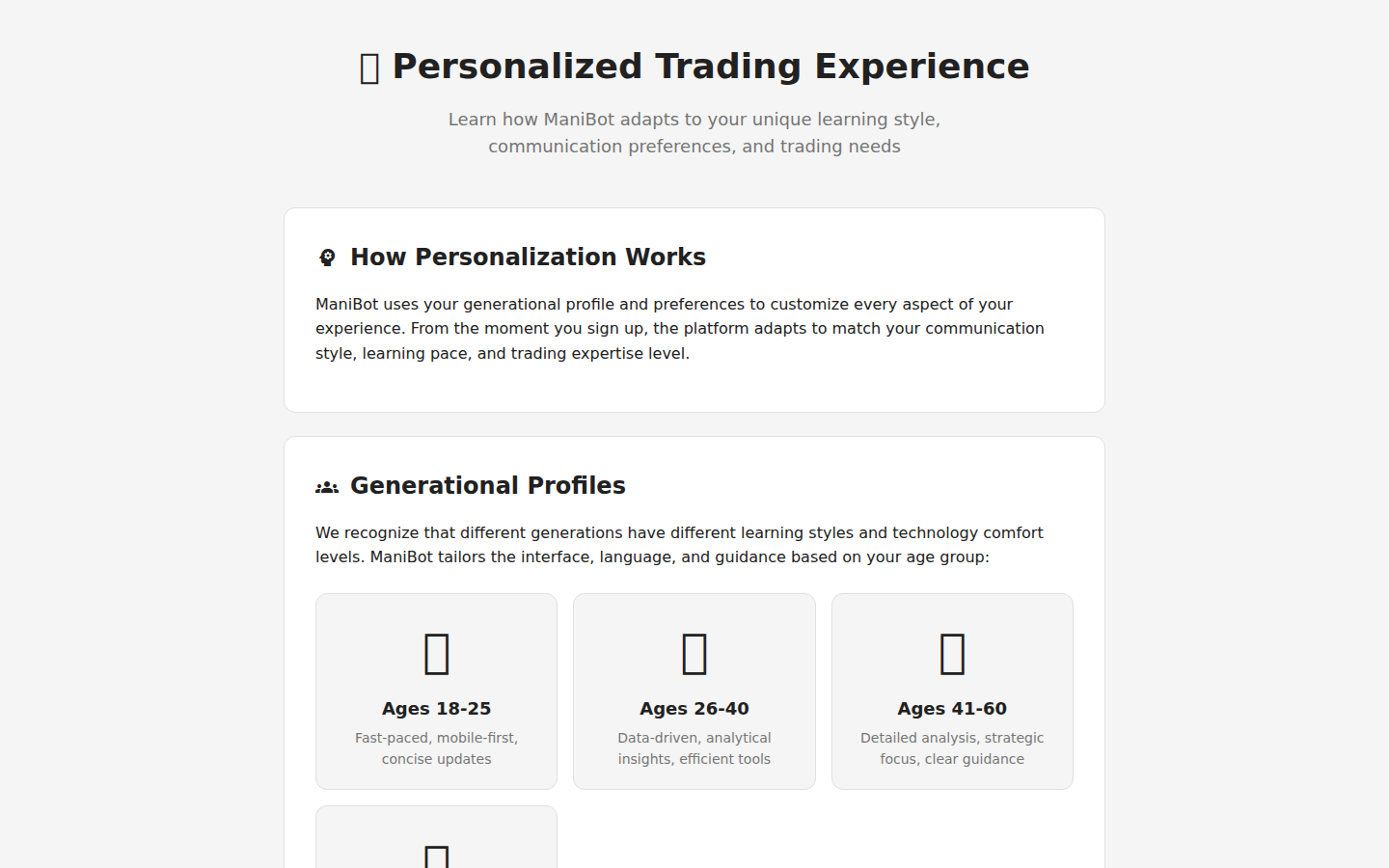
Callout Legend
- Theme Settings — Customize dark/light mode, accent colors, and layout preferences.
- Dashboard Customization — Rearrange dashboard widgets to fit your workflow.
15.10 Features Help
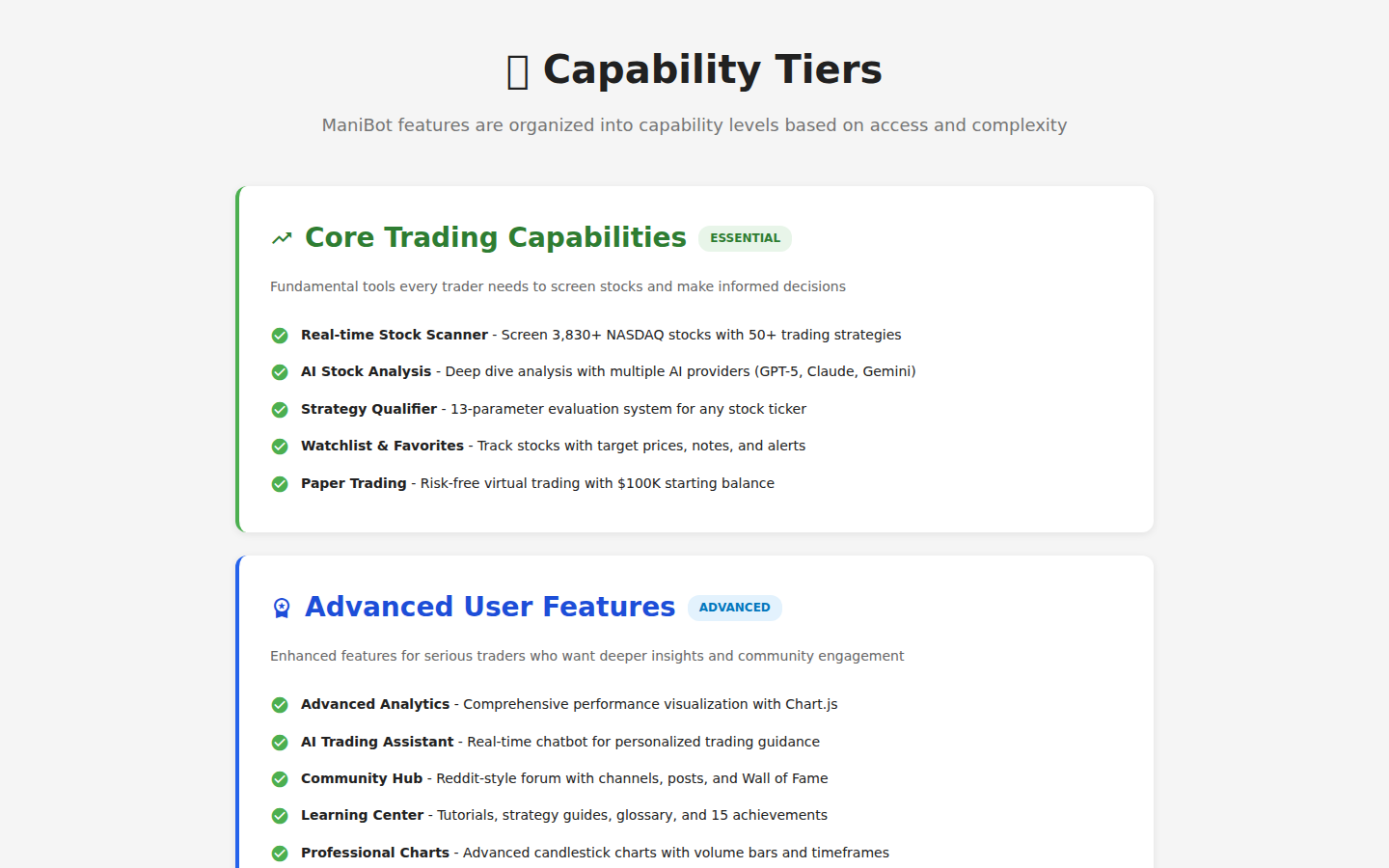
Callout Legend
- Feature Directory — Complete list of all platform features with descriptions.
- Feature Status — Current availability and upcoming features.
15.11 Feedback
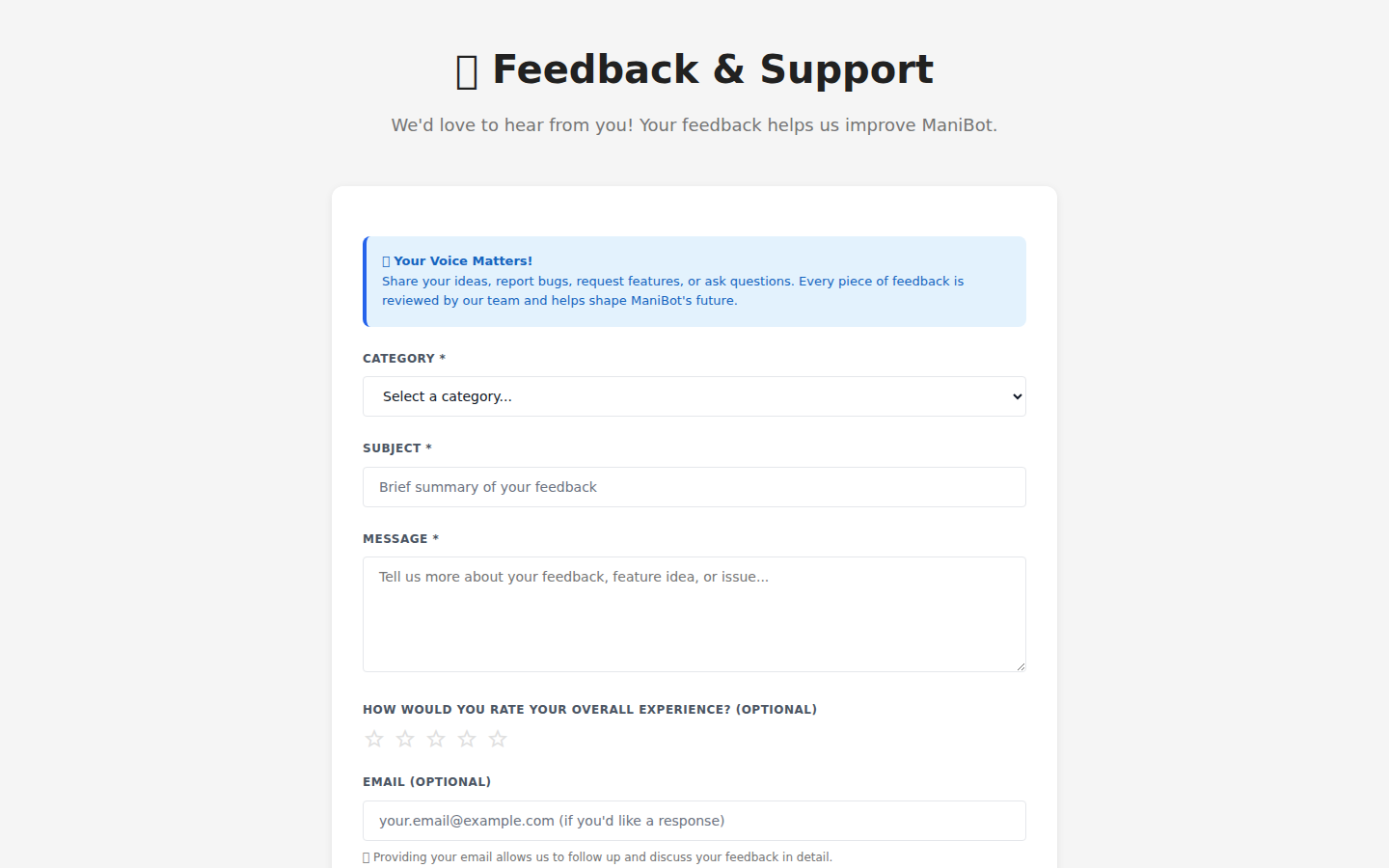
Callout Legend
- Feedback Form — Submit feature requests, bug reports, or general feedback.
- Feedback History — View previously submitted feedback and responses.
15.12 Roadmap
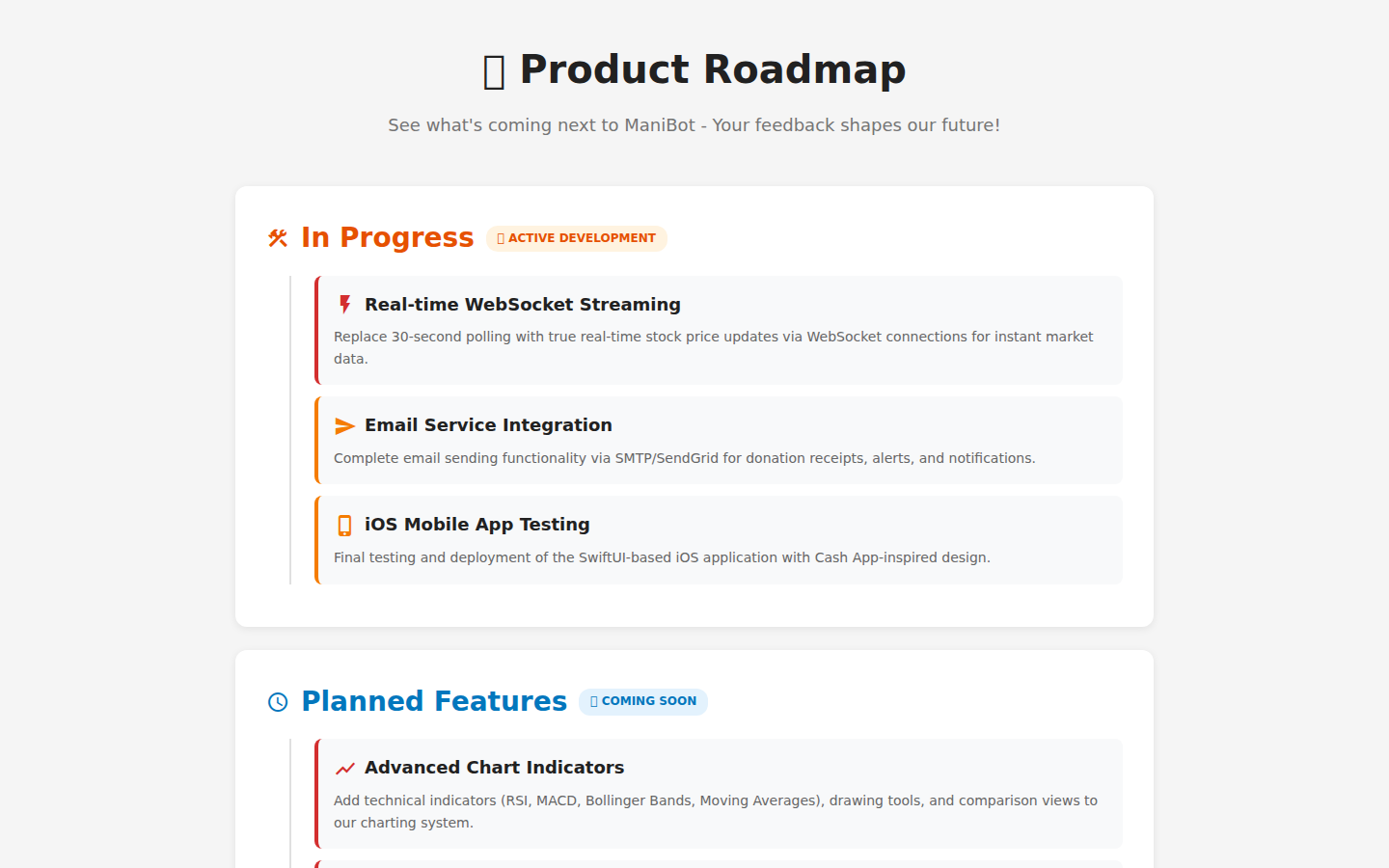
Callout Legend
- Roadmap Timeline — Upcoming features and their planned release dates.
- Feature Voting — Vote on which features you'd like to see prioritized.
15.13 Help Center Overview
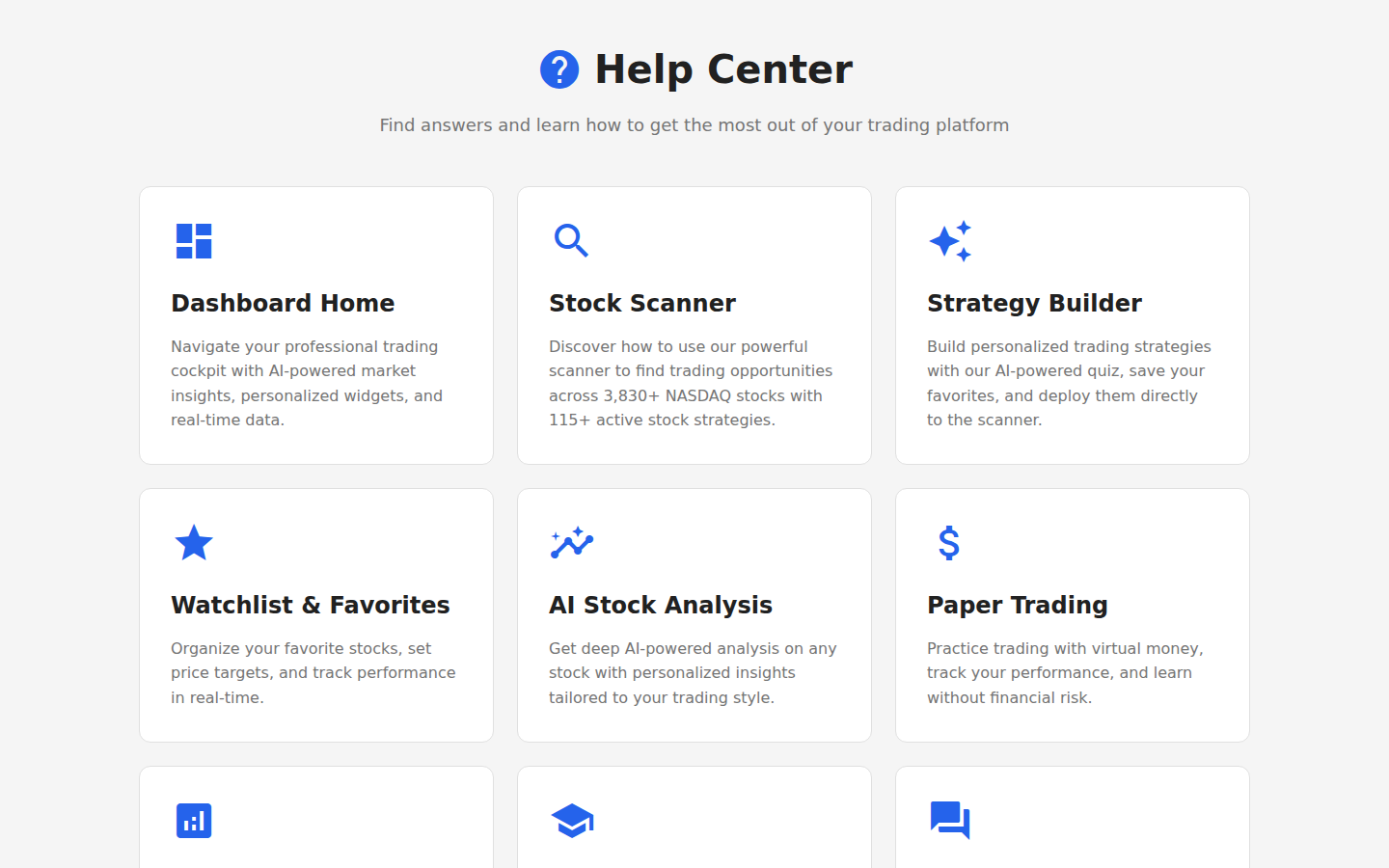
Callout Legend
- Topic Navigation — Browse help topics by category with icons.
- Quick Links — Direct links to the most commonly needed help articles.
Public Pages
These pages are accessible to all visitors without requiring authentication. They provide company information, legal documentation, and public-facing features.
16.1 About Page
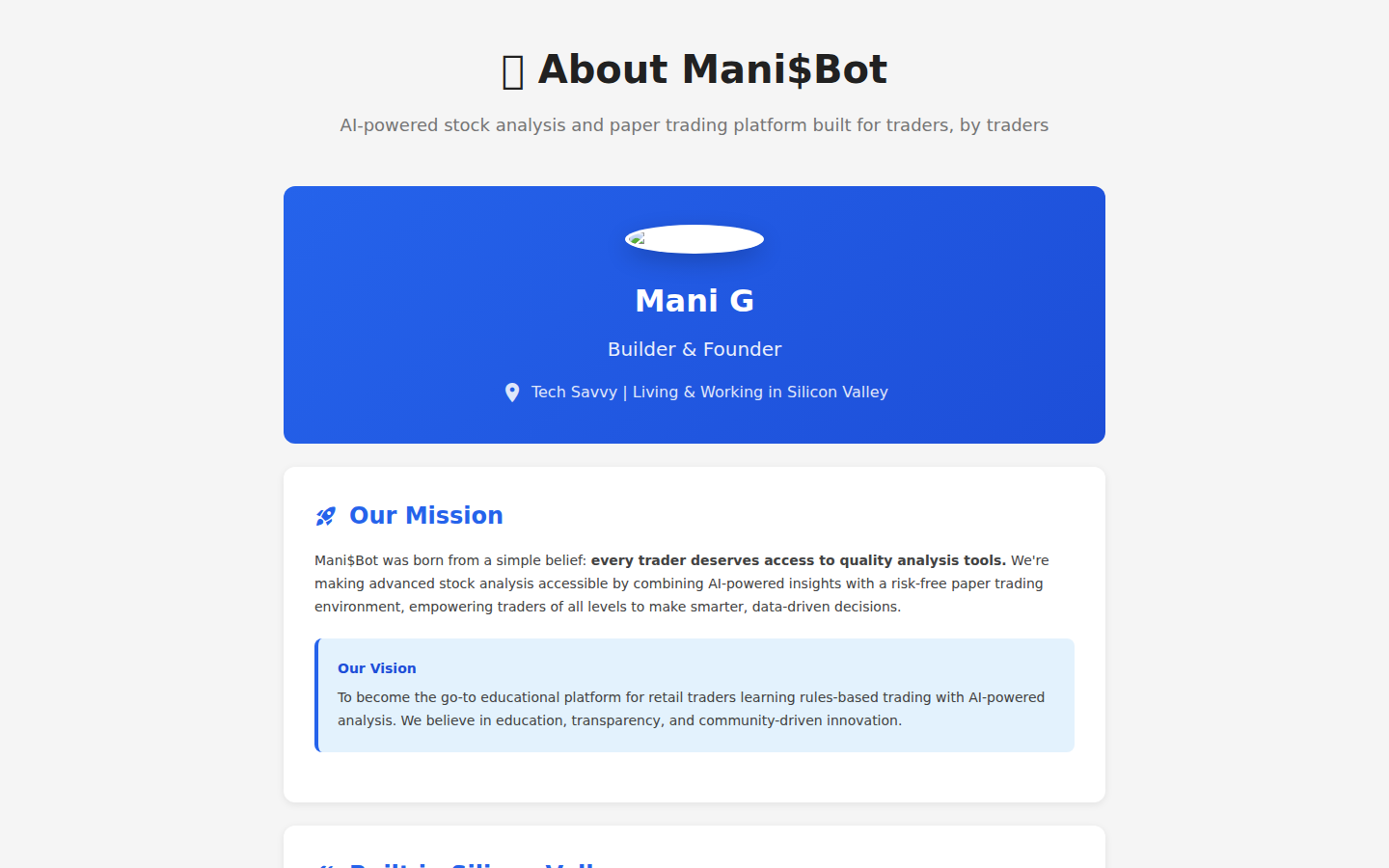
Callout Legend
- Company Mission — Mani$Bot's mission to democratize AI-powered trading tools.
- Platform Overview — High-level description of platform capabilities.
- Team & Contact — Information about the team behind Mani$Bot.
16.2 Terms of Service
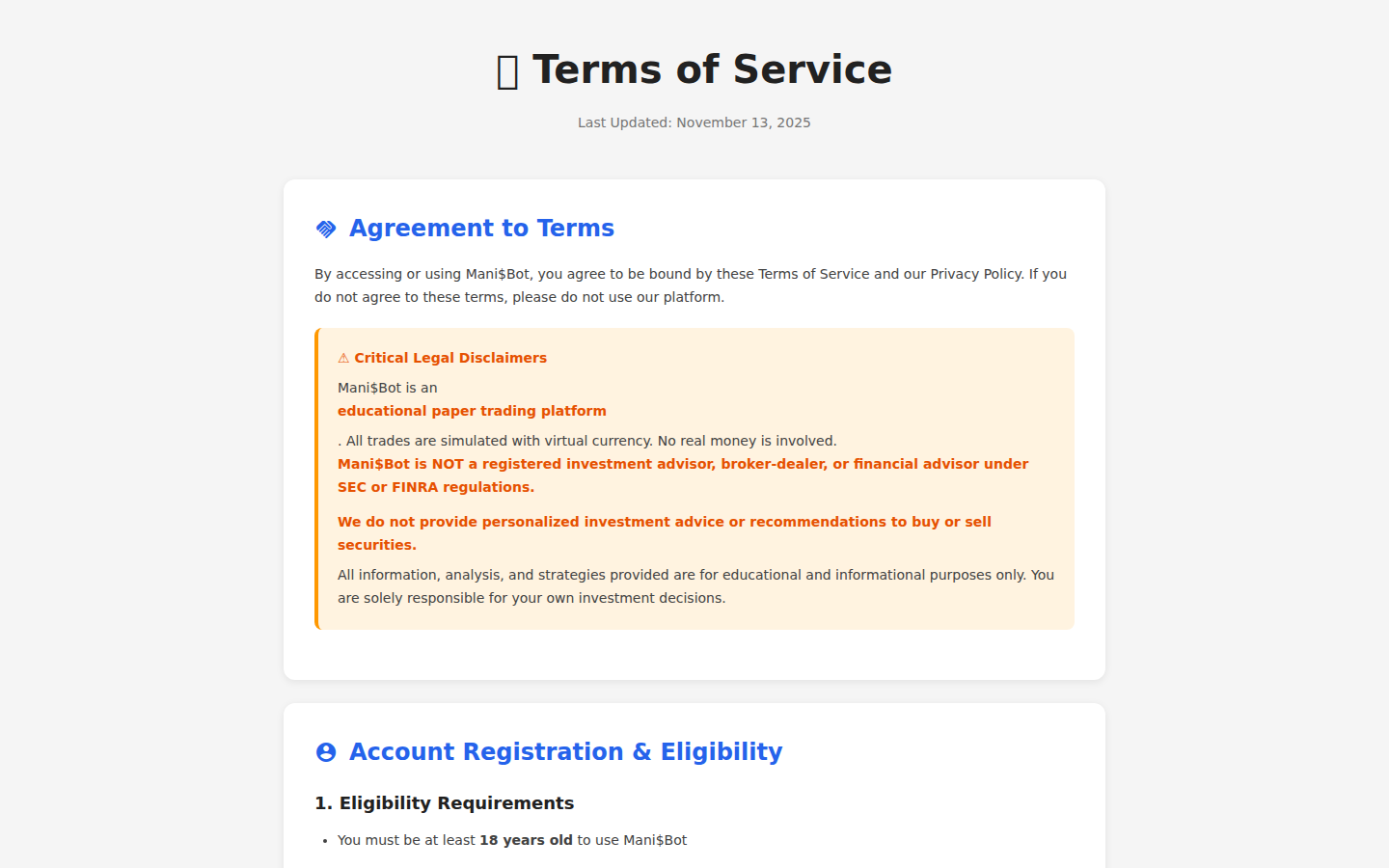
Callout Legend
- Terms Header — Version date and effective date of the terms.
- Terms Content — Full terms and conditions for using the platform.
16.3 Support Page
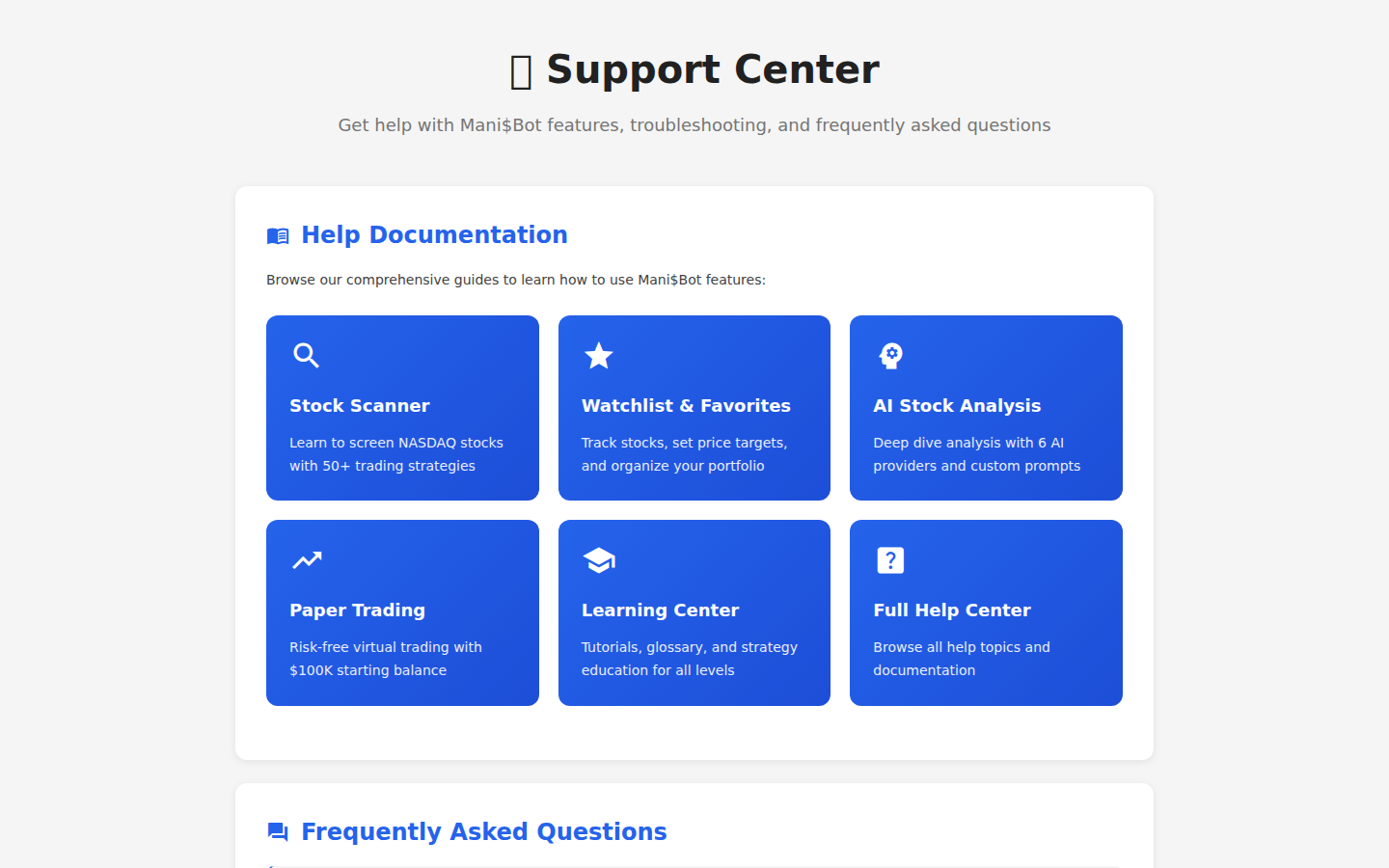
Callout Legend
- Support Options — Choose between email, chat, and self-service help options.
- FAQ Section — Frequently asked questions with quick answers.
- Contact Form — Submit a support ticket for personalized assistance.
16.4 End User License Agreement (EULA)
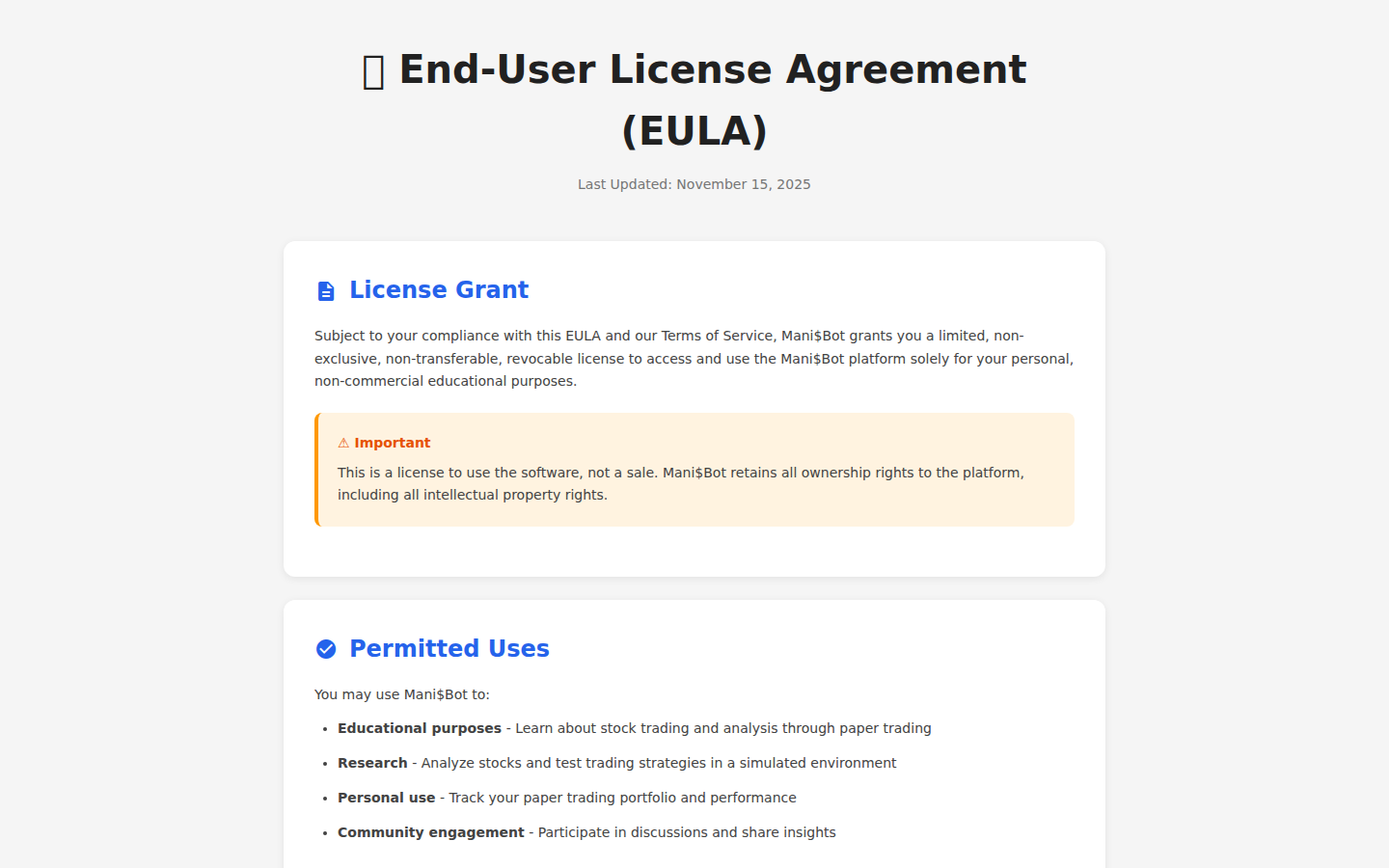
Callout Legend
- License Terms — Software license agreement header and version.
- Agreement Details — Full EULA text covering software usage rights and restrictions.
16.5 Privacy Policy
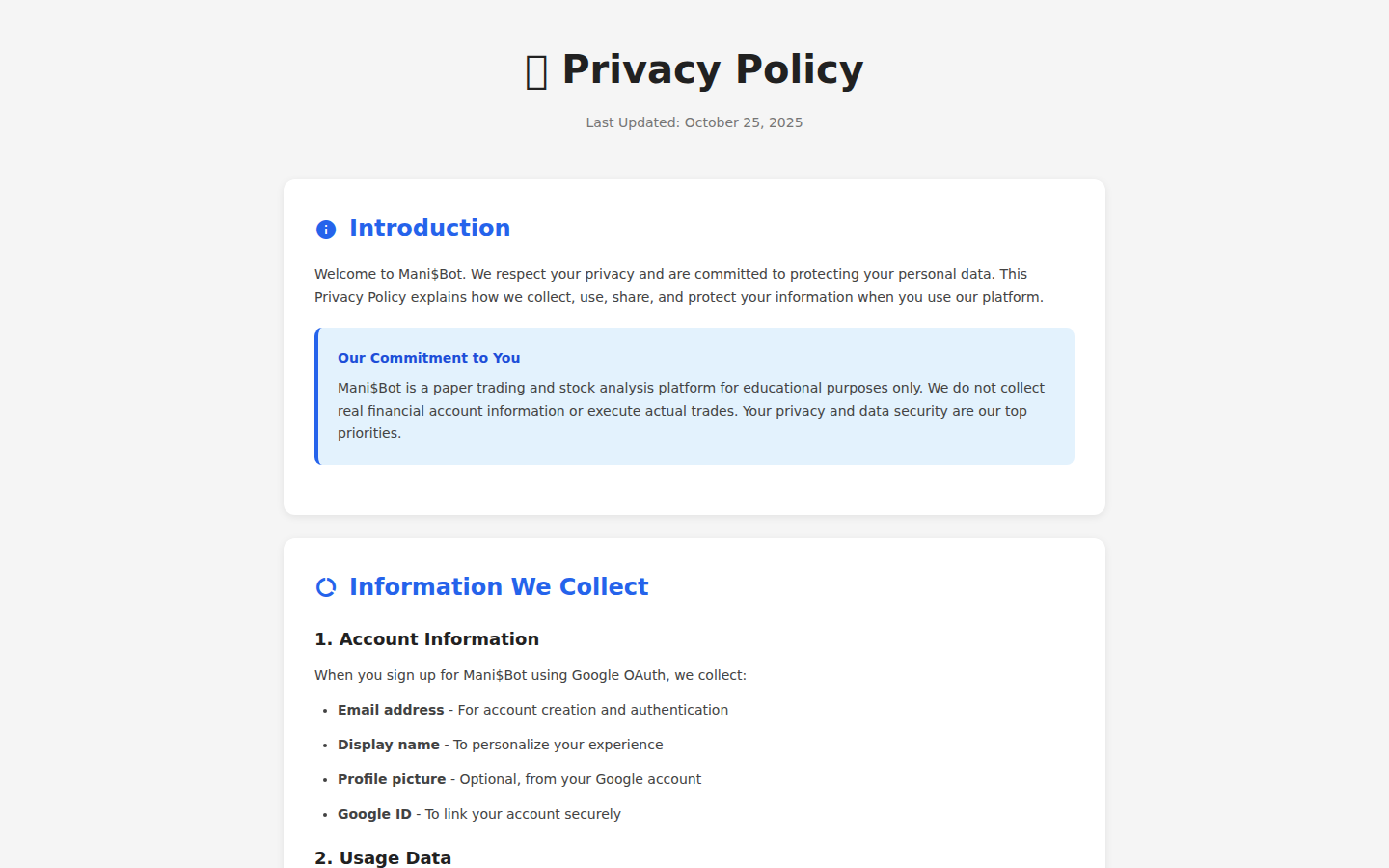
Callout Legend
- Policy Header — Privacy policy effective date and scope.
- Data Practices — How Mani$Bot collects, uses, and protects your data.
16.6 Safety Page
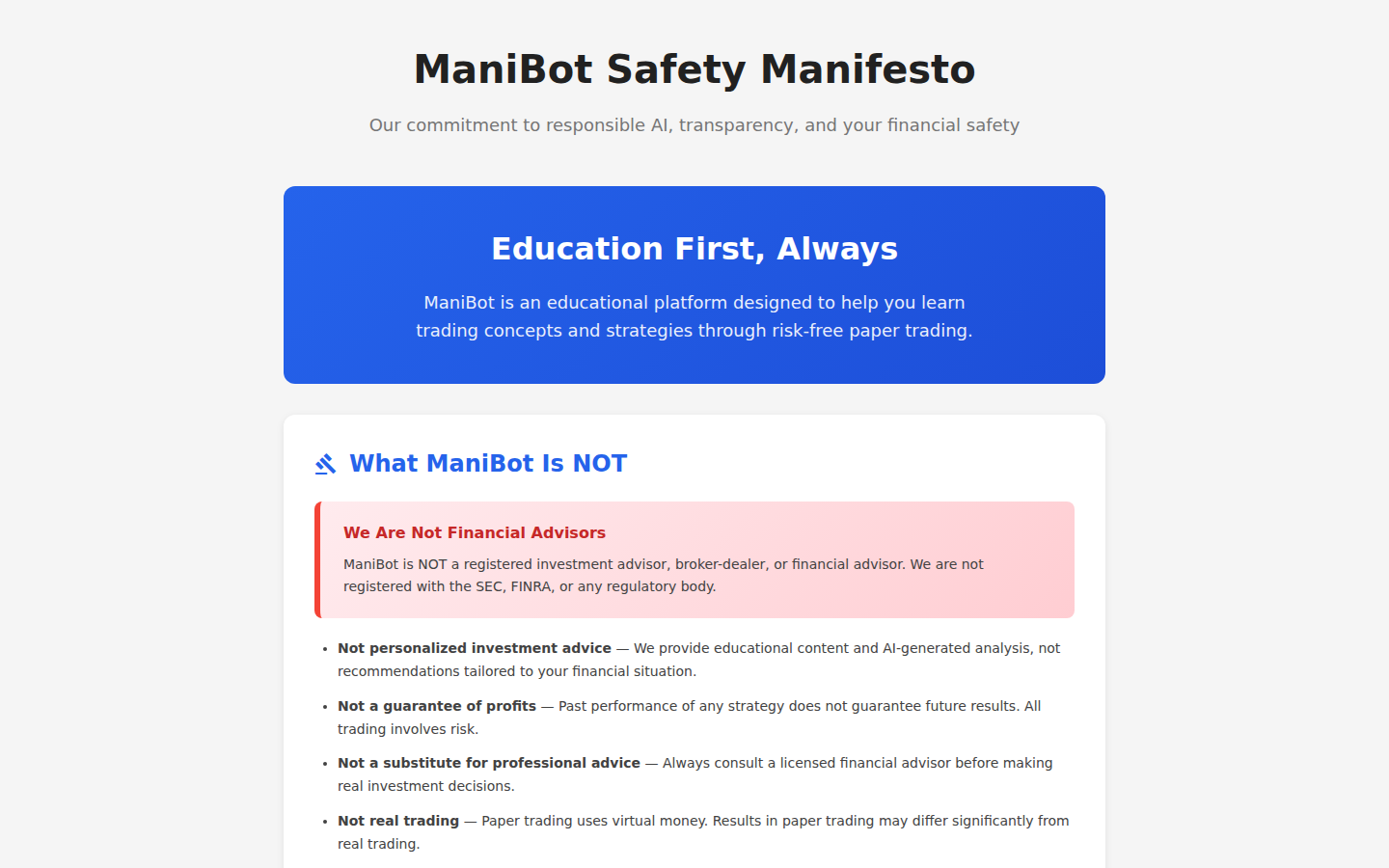
Callout Legend
- Safety Guidelines — Important safety information about simulated trading.
- Risk Disclaimers — Financial risk disclosures and educational purpose statements.
16.7 Maintenance Page
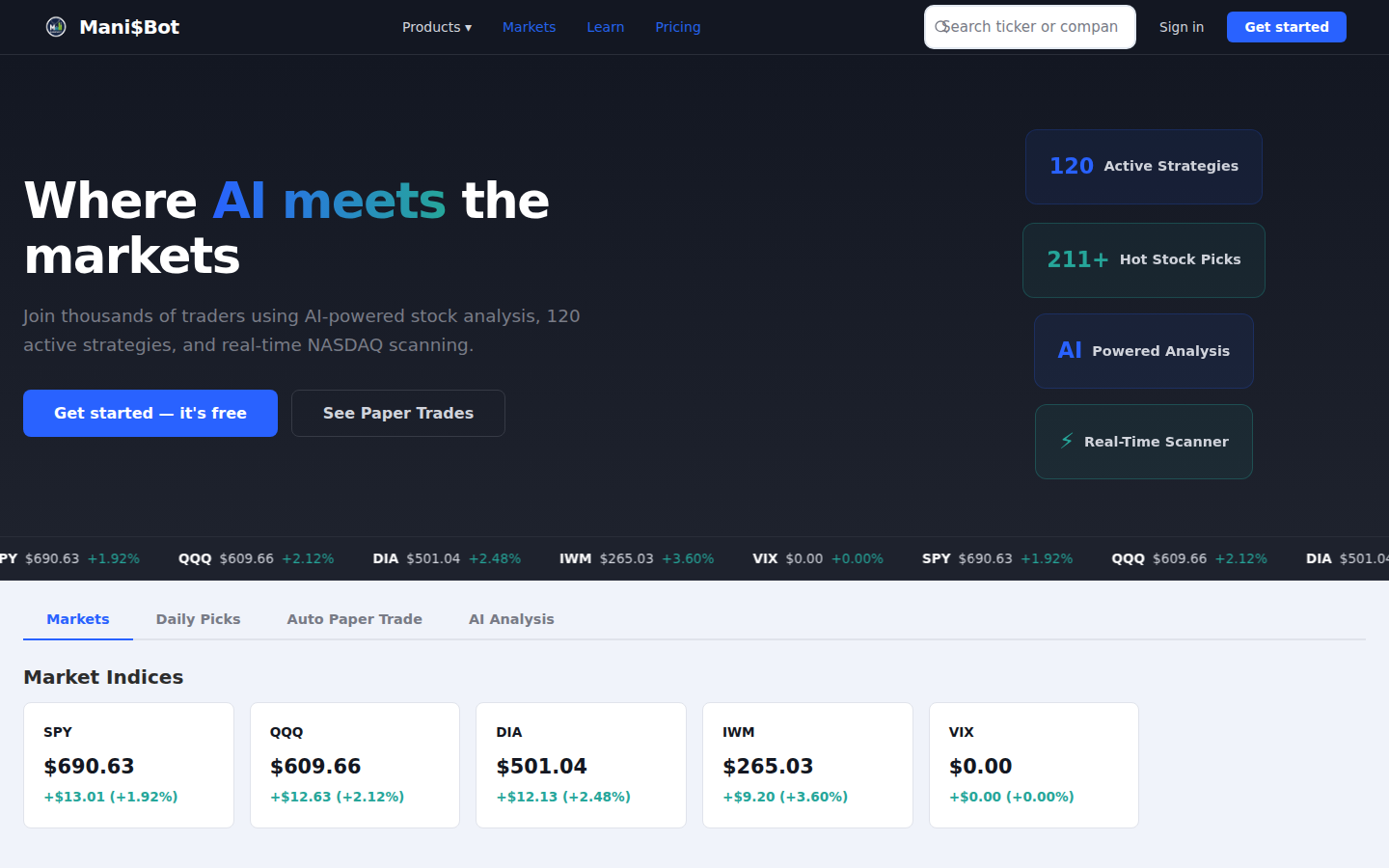
Callout Legend
- Maintenance Notice — Scheduled maintenance window with countdown timer.
- Status Updates — Real-time status updates during maintenance periods.
16.8 Stock Detail Page
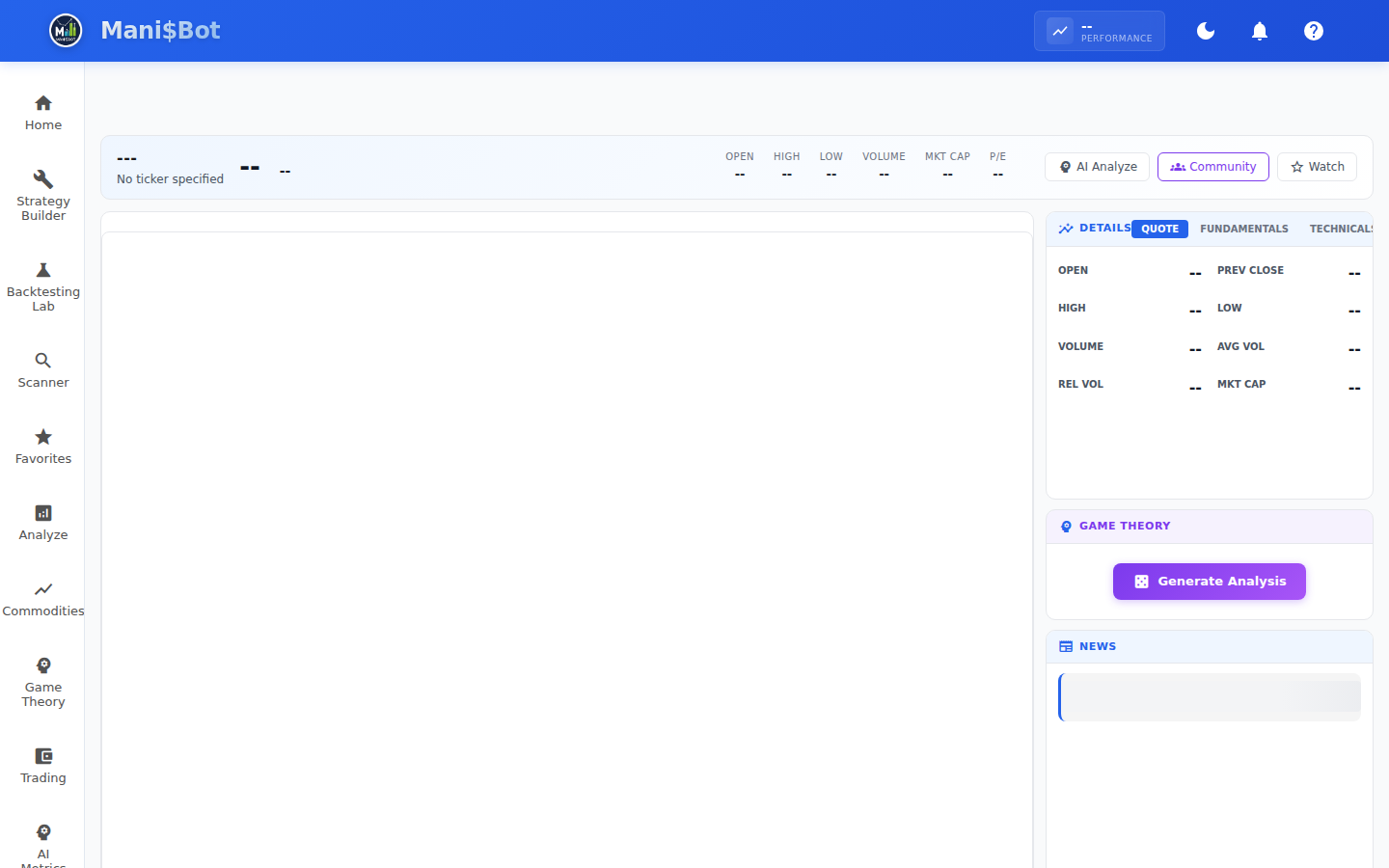
Callout Legend
- Stock Header — Ticker symbol, company name, current price, and daily change.
- Price Chart — Interactive price chart with multiple timeframe options.
- Key Metrics — Market cap, P/E ratio, volume, 52-week range, and other fundamentals.
- AI Analysis Summary — Quick AI-generated analysis and recommendation.
16.9 Strategy Detail Page
Callout Legend
- Strategy Name & Description — Name, category, and detailed description of the strategy.
- Strategy Criteria — Technical and fundamental criteria that define this strategy.
- Performance History — Historical backtest results and current scan matches.
© 2026 Mani$Bot. All rights reserved.
This document contains 55 screenshots covering all user-facing platform features.
Version 2.1 • February 2026 • User Guide